
How to Use GPS NEO M8L: Examples, Pinouts, and Specs
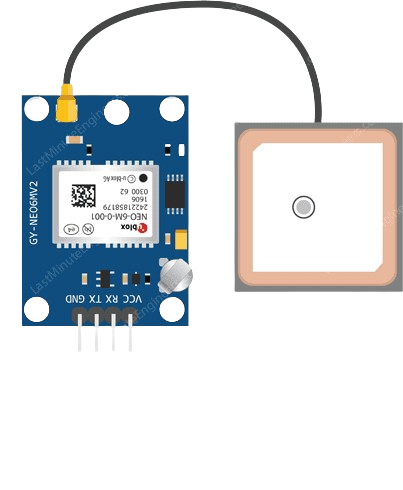
 Design with GPS NEO M8L in Cirkit Designer
Introduction
The GPS NEO M8L is a high-performance GNSS (Global Navigation Satellite System) receiver module that delivers precise positioning data. It supports multiple satellite systems, including GPS, GLONASS, and BeiDou, ensuring reliable and accurate location tracking even in challenging environments. Designed for low power consumption, the NEO M8L is ideal for portable and battery-powered applications.
Explore Projects Built with GPS NEO M8L
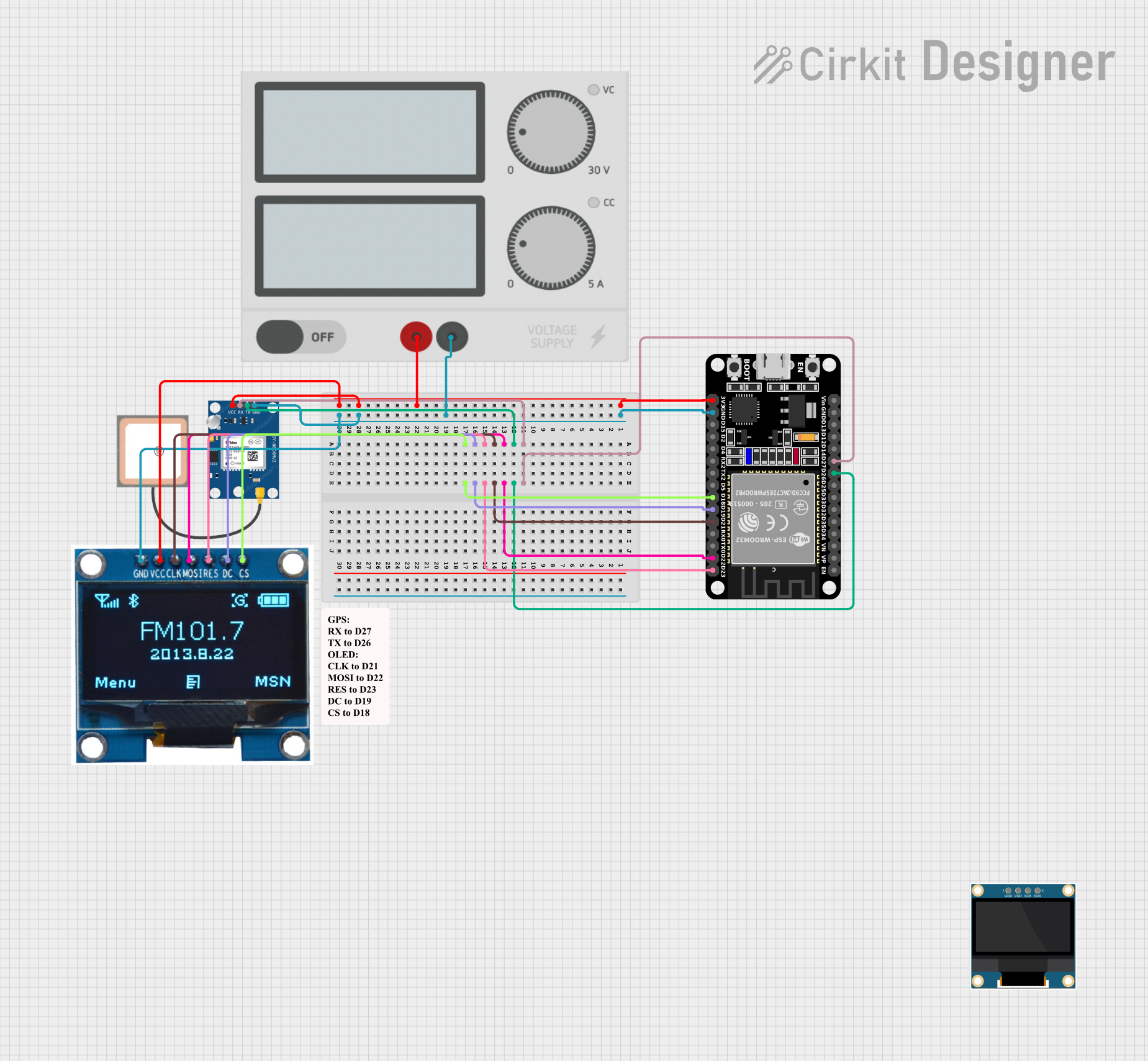 Open Project in Cirkit Designer
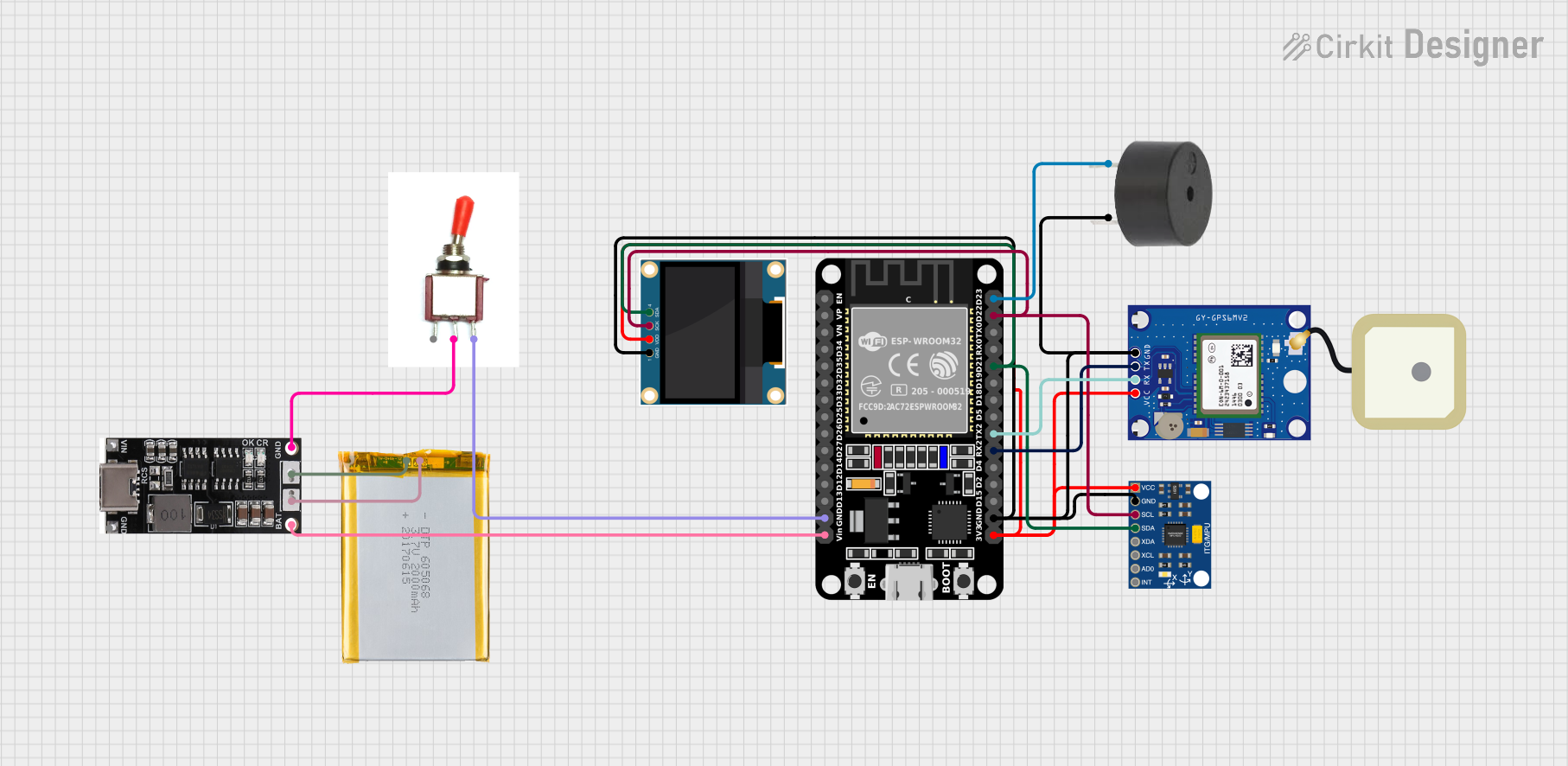 Open Project in Cirkit Designer
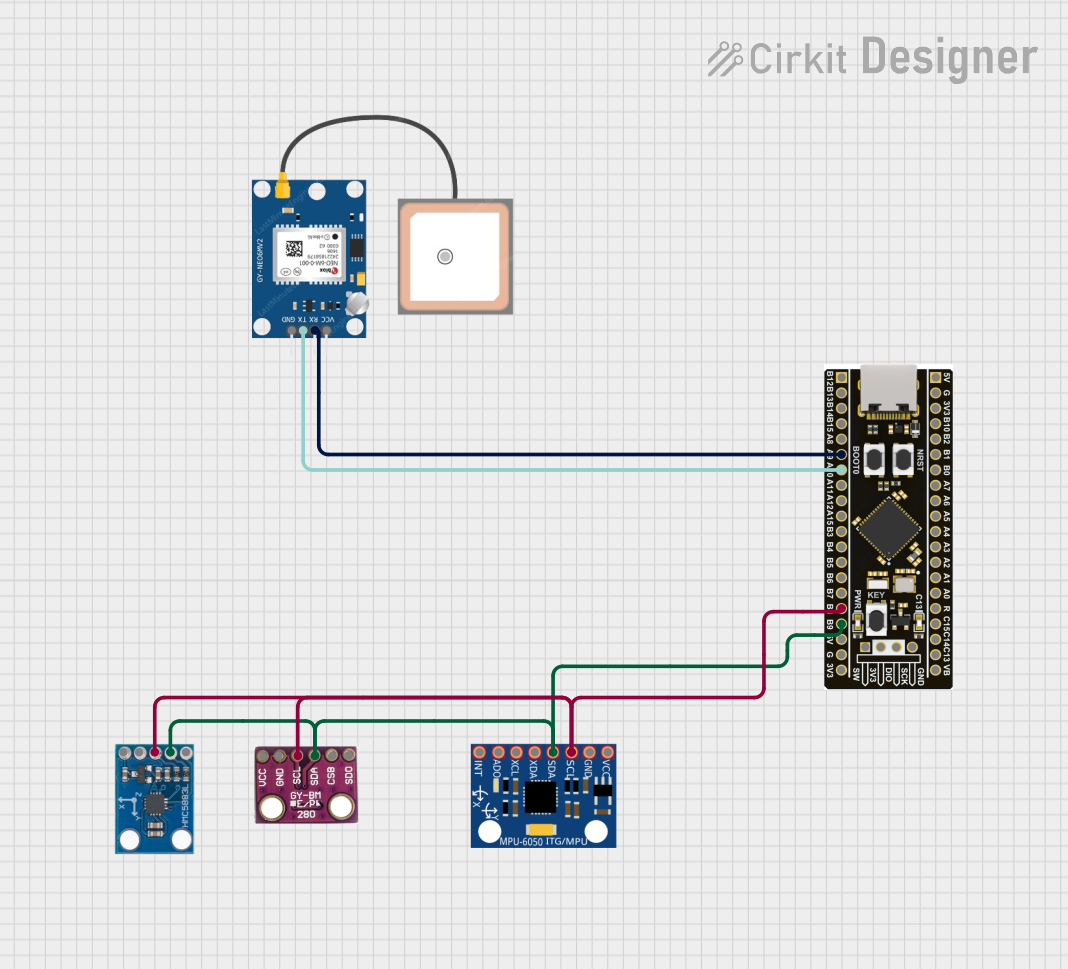 Open Project in Cirkit Designer
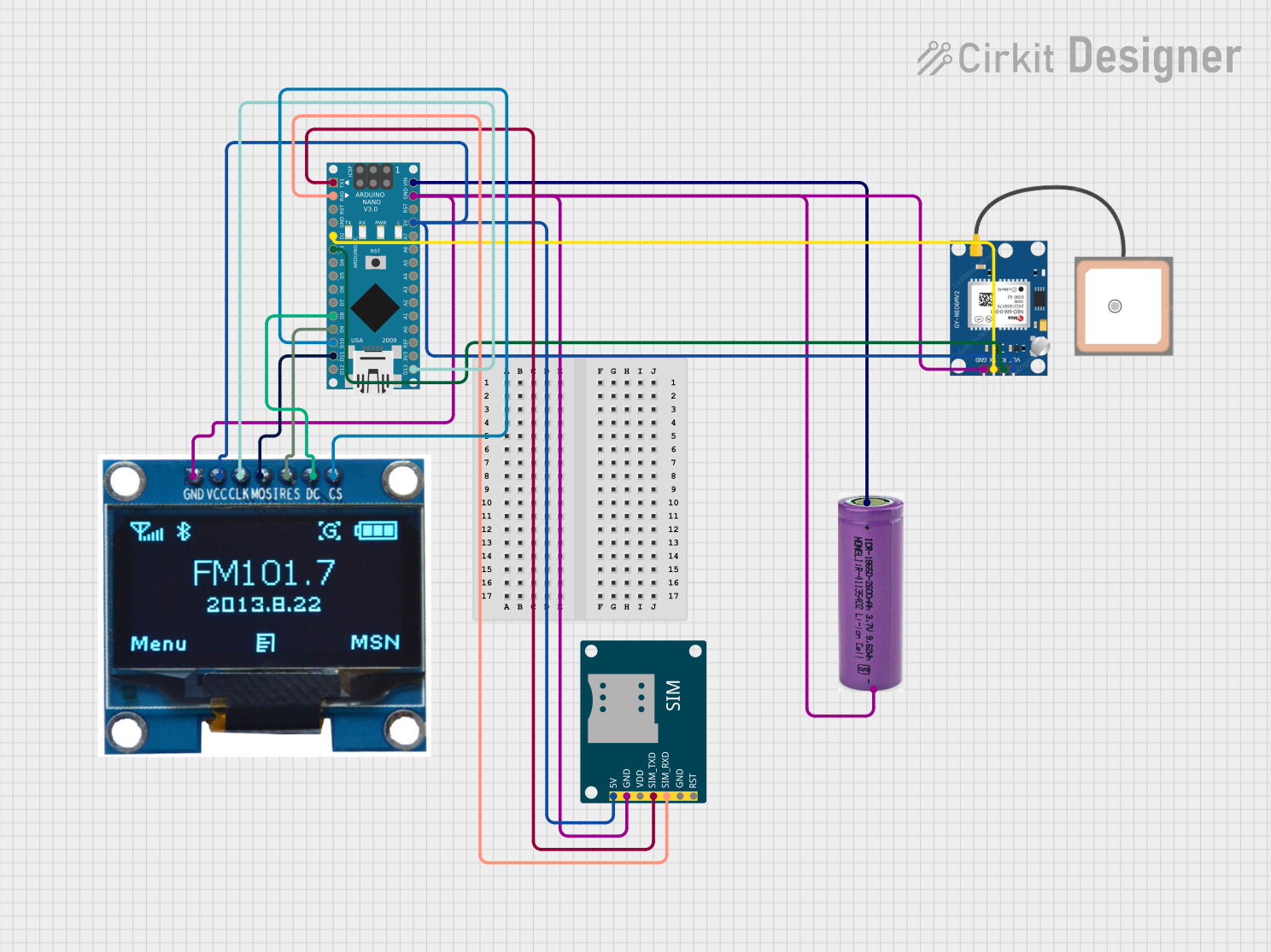 Open Project in Cirkit Designer
Explore Projects Built with GPS NEO M8L
Open Project in Cirkit DesignerOpen Project in Cirkit DesignerOpen Project in Cirkit DesignerOpen Project in Cirkit DesignerCommon Applications and Use Cases
- Automotive navigation systems
- Asset tracking and fleet management
- Portable GPS devices
- Drones and UAVs
- IoT applications requiring geolocation
- Timing synchronization for communication systems
Technical Specifications
The GPS NEO M8L module is packed with advanced features and specifications to meet a wide range of application requirements.
Key Technical Details
| Parameter | Specification |
|---|---|
| Satellite Systems | GPS, GLONASS, BeiDou |
| Position Accuracy | 2.5 meters CEP (Circular Error Probable) |
| Velocity Accuracy | 0.05 m/s |
| Time Accuracy | 30 ns |
| Update Rate | Up to 10 Hz |
| Operating Voltage | 2.7V to 3.6V |
| Power Consumption | ~29 mA (continuous tracking mode) |
| Operating Temperature | -40°C to +85°C |
| Dimensions | 12.2 mm x 16.0 mm x 2.4 mm |
| Communication Interface | UART, I2C, SPI |
Pin Configuration and Descriptions
The NEO M8L module has a standard pinout for easy integration into various systems. Below is the pin configuration:
| Pin Number | Pin Name | Description |
|---|---|---|
| 1 | VCC | Power supply input (2.7V to 3.6V) |
| 2 | GND | Ground |
| 3 | TXD | UART Transmit Data |
| 4 | RXD | UART Receive Data |
| 5 | SDA | I2C Data Line |
| 6 | SCL | I2C Clock Line |
| 7 | PPS | Pulse Per Second output for timing |
| 8 | RESET | Reset input (active low) |
| 9 | ANT | External antenna input |
| 10 | V_BCKP | Backup power supply for RTC and RAM |
Usage Instructions
The GPS NEO M8L module is straightforward to use in a variety of applications. Below are the steps and best practices for integrating it into your project.
How to Use the Component in a Circuit
- Power Supply: Connect the VCC pin to a regulated 3.3V power source and GND to the ground.
- Communication Interface: Choose between UART, I2C, or SPI for communication with your microcontroller or host device.
- For UART, connect the TXD and RXD pins to the corresponding RX and TX pins of your microcontroller.
- For I2C, connect the SDA and SCL pins to the I2C bus of your microcontroller.
- Antenna: Attach an external active antenna to the ANT pin for optimal signal reception.
- Backup Power: Optionally, connect a backup battery to the V_BCKP pin to retain RTC and RAM data during power loss.
- Reset: Use the RESET pin to restart the module if needed.
Important Considerations and Best Practices
- Antenna Placement: Ensure the antenna has a clear view of the sky for optimal satellite reception.
- Power Supply: Use a stable and noise-free power source to avoid interference with GNSS signals.
- Baud Rate: Configure the UART baud rate to match your microcontroller's settings (default is typically 9600 bps).
- Startup Time: Allow a cold start time of approximately 26 seconds for the module to acquire satellite data.
Example Code for Arduino UNO
Below is an example of how to interface the GPS NEO M8L with an Arduino UNO using the UART interface:
#include <SoftwareSerial.h>

// Define RX and TX pins for SoftwareSerial
SoftwareSerial gpsSerial(4, 3); // RX = Pin 4, TX = Pin 3

void setup() {
  Serial.begin(9600); // Initialize Serial Monitor at 9600 baud
  gpsSerial.begin(9600); // Initialize GPS module at 9600 baud

  Serial.println("GPS NEO M8L Module Test");
}

void loop() {
  // Check if data is available from the GPS module
  while (gpsSerial.available()) {
    char c = gpsSerial.read(); // Read a character from the GPS module
    Serial.print(c); // Print the character to the Serial Monitor

    // Note: GPS data is typically in NMEA format. You can parse it using
    // libraries like TinyGPS++ for extracting latitude, longitude, etc.
  }
}
Troubleshooting and FAQs
Common Issues and Solutions
No GPS Fix or Position Data
- Cause: Poor antenna placement or obstructed view of the sky.
- Solution: Place the antenna in an open area with a clear view of the sky. Avoid indoor use or areas with heavy obstructions.
Intermittent Signal Loss
- Cause: Power supply instability or interference.
- Solution: Use a stable power source and ensure proper grounding. Keep the module away from high-frequency noise sources.
No Communication with Microcontroller
- Cause: Incorrect wiring or mismatched baud rate.
- Solution: Double-check the connections and ensure the UART baud rate matches the module's default setting (9600 bps).
Backup Data Not Retained
- Cause: No backup power connected to the V_BCKP pin.
- Solution: Connect a small coin cell battery to the V_BCKP pin to retain RTC and RAM data.
FAQs
Q: Can the NEO M8L module work indoors?
A: While the module may work indoors near windows, it is designed for outdoor use where it can receive clear satellite signals.
Q: What is the default communication protocol?
A: The default protocol is UART with a baud rate of 9600 bps. However, I2C and SPI are also supported.
Q: Does the module support real-time clock (RTC) functionality?
A: Yes, the module has an RTC that can be powered using the V_BCKP pin for backup power.
Q: Can I use the module with a 5V microcontroller?
A: Yes, but you will need a level shifter to convert the 5V logic levels to 3.3V for safe operation.
Q: How do I parse GPS data?
A: Use libraries like TinyGPS++ or NeoGPS to parse NMEA sentences and extract useful data such as latitude, longitude, and time.
This concludes the documentation for the GPS NEO M8L module.