
How to Use TP5100: Examples, Pinouts, and Specs
 Design with TP5100 in Cirkit Designer
Introduction
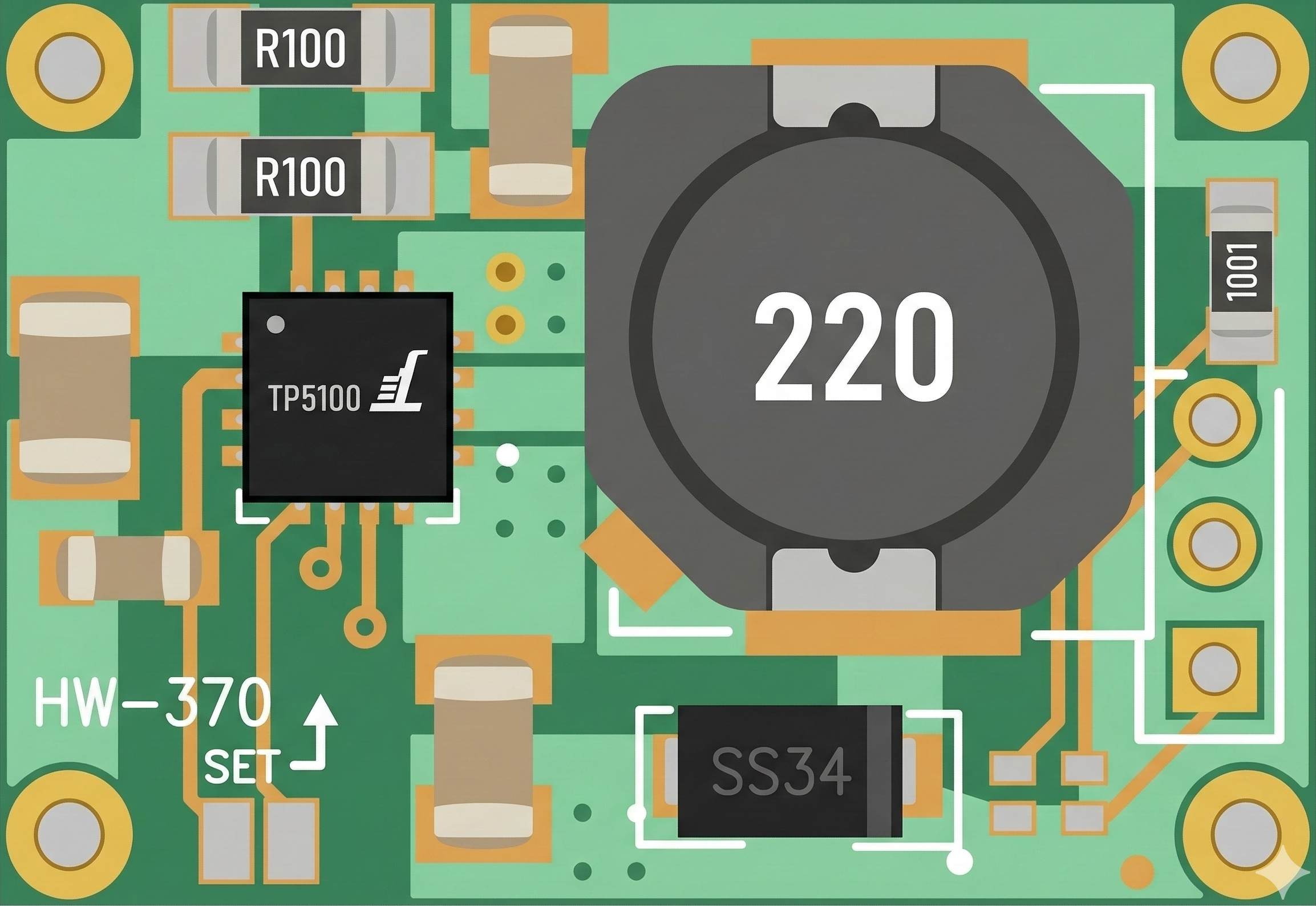
The TP5100 is a high-efficiency linear voltage regulator designed to deliver a stable output voltage with a low dropout. It is widely used in battery-powered devices due to its compact size, high efficiency, and robust protection features. The TP5100 integrates thermal protection, overcurrent protection, and under-voltage lockout, making it a reliable choice for various applications.
Explore Projects Built with TP5100
 Open Project in Cirkit Designer
 Open Project in Cirkit Designer
 Open Project in Cirkit Designer
 Open Project in Cirkit Designer
Explore Projects Built with TP5100
Open Project in Cirkit DesignerOpen Project in Cirkit DesignerOpen Project in Cirkit DesignerOpen Project in Cirkit DesignerCommon Applications
- Lithium-ion battery charging circuits
- Portable electronic devices
- Power management systems
- Solar-powered devices
- Embedded systems requiring efficient voltage regulation
Technical Specifications
The TP5100 is designed to operate efficiently in a wide range of applications. Below are its key technical specifications:
| Parameter | Value |
|---|---|
| Input Voltage Range | 4.5V to 18V |
| Output Voltage Options | 4.2V (single-cell) or 8.4V (dual-cell) |
| Maximum Output Current | 2A |
| Efficiency | Up to 90% |
| Operating Temperature | -40°C to +85°C |
| Standby Current | < 1µA |
| Charging Mode | CC (Constant Current) / CV (Constant Voltage) |
| Protection Features | Thermal shutdown, overcurrent protection, under-voltage lockout |
Pin Configuration and Descriptions
The TP5100 is typically available in an 8-pin SOP package. Below is the pinout and description:
| Pin Number | Pin Name | Description |
|---|---|---|
| 1 | VIN | Input voltage pin. Connect to the power source (4.5V to 18V). |
| 2 | GND | Ground pin. Connect to the system ground. |
| 3 | BAT | Battery connection pin. Connect to the positive terminal of the battery. |
| 4 | STAT1 | Status indicator pin 1. Used for charging status indication (e.g., LED output). |
| 5 | STAT2 | Status indicator pin 2. Used for charging status indication (e.g., LED output). |
| 6 | EN | Enable pin. Pull high to enable the regulator, or low to disable it. |
| 7 | NC | No connection. Leave this pin unconnected. |
| 8 | VOUT | Output voltage pin. Provides regulated output voltage to the load. |
Usage Instructions
How to Use the TP5100 in a Circuit
- Power Supply: Connect the input voltage (VIN) to a DC power source within the range of 4.5V to 18V.
- Battery Connection: Connect the BAT pin to the positive terminal of the battery. Ensure the battery type matches the output voltage configuration (4.2V for single-cell or 8.4V for dual-cell).
- Output Load: Connect the load to the VOUT pin. Ensure the load does not exceed the maximum output current of 2A.
- Status LEDs: Optionally, connect LEDs to the STAT1 and STAT2 pins for visual charging status indication.
- Enable Pin: Pull the EN pin high to enable the regulator. If unused, connect it to VIN through a pull-up resistor.
Important Considerations
- Heat Dissipation: The TP5100 may generate heat during operation. Use a heat sink or ensure proper ventilation to avoid thermal shutdown.
- Input Capacitor: Place a low-ESR capacitor (e.g., 10µF) close to the VIN pin to stabilize the input voltage.
- Output Capacitor: Use a low-ESR capacitor (e.g., 22µF) at the VOUT pin to ensure stable output voltage.
- Battery Type: Ensure the connected battery matches the configured output voltage (4.2V or 8.4V).
- Protection Features: The TP5100 includes built-in protection, but avoid exceeding the maximum input voltage or current ratings.
Example: Using TP5100 with Arduino UNO
The TP5100 can be used to charge a battery that powers an Arduino UNO. Below is an example of how to monitor the charging status using the Arduino:
// TP5100 Charging Status Monitoring with Arduino UNO
// Connect STAT1 and STAT2 pins of TP5100 to Arduino digital pins 2 and 3

const int stat1Pin = 2; // STAT1 pin connected to digital pin 2
const int stat2Pin = 3; // STAT2 pin connected to digital pin 3

void setup() {
  pinMode(stat1Pin, INPUT); // Set STAT1 as input
  pinMode(stat2Pin, INPUT); // Set STAT2 as input
  Serial.begin(9600);       // Initialize serial communication
}

void loop() {
  int stat1 = digitalRead(stat1Pin); // Read STAT1 pin
  int stat2 = digitalRead(stat2Pin); // Read STAT2 pin

  if (stat1 == LOW && stat2 == HIGH) {
    Serial.println("Battery is charging...");
  } else if (stat1 == HIGH && stat2 == LOW) {
    Serial.println("Battery is fully charged.");
  } else {
    Serial.println("No battery detected or error.");
  }

  delay(1000); // Wait for 1 second before checking again
}
Troubleshooting and FAQs
Common Issues and Solutions
No Output Voltage
- Cause: The EN pin is not pulled high.
- Solution: Ensure the EN pin is connected to VIN through a pull-up resistor or directly pulled high.
Overheating
- Cause: Excessive load current or insufficient heat dissipation.
- Solution: Reduce the load current or add a heat sink to the TP5100.
Battery Not Charging
- Cause: Incorrect battery connection or mismatched output voltage configuration.
- Solution: Verify the battery connection and ensure the battery type matches the output voltage.
LED Indicators Not Working
- Cause: Incorrect connection to STAT1 and STAT2 pins.
- Solution: Check the LED connections and ensure proper polarity.
FAQs
Q1: Can the TP5100 charge a 3.7V lithium-ion battery?
A1: Yes, the TP5100 can charge a 3.7V lithium-ion battery by configuring the output voltage to 4.2V.
Q2: What happens if the input voltage exceeds 18V?
A2: The TP5100 may enter over-voltage protection mode or get damaged. Always ensure the input voltage stays within the specified range.
Q3: Can I use the TP5100 without a battery?
A3: Yes, the TP5100 can provide a regulated output voltage to a load even without a battery connected.
Q4: How do I configure the TP5100 for dual-cell batteries?
A4: The TP5100 automatically detects the battery configuration. Ensure the battery voltage matches the 8.4V output for dual-cell operation.