
How to Use AC Bulb: Examples, Pinouts, and Specs

 Design with AC Bulb in Cirkit Designer
Introduction
An AC bulb is a type of light bulb that operates on alternating current (AC) electricity, which is the standard form of electrical power supplied to homes and businesses. These bulbs are widely used for general lighting purposes due to their simplicity, efficiency, and compatibility with standard electrical systems. AC bulbs come in various types, including incandescent, compact fluorescent (CFL), and LED, each offering different levels of energy efficiency and brightness.
Explore Projects Built with AC Bulb
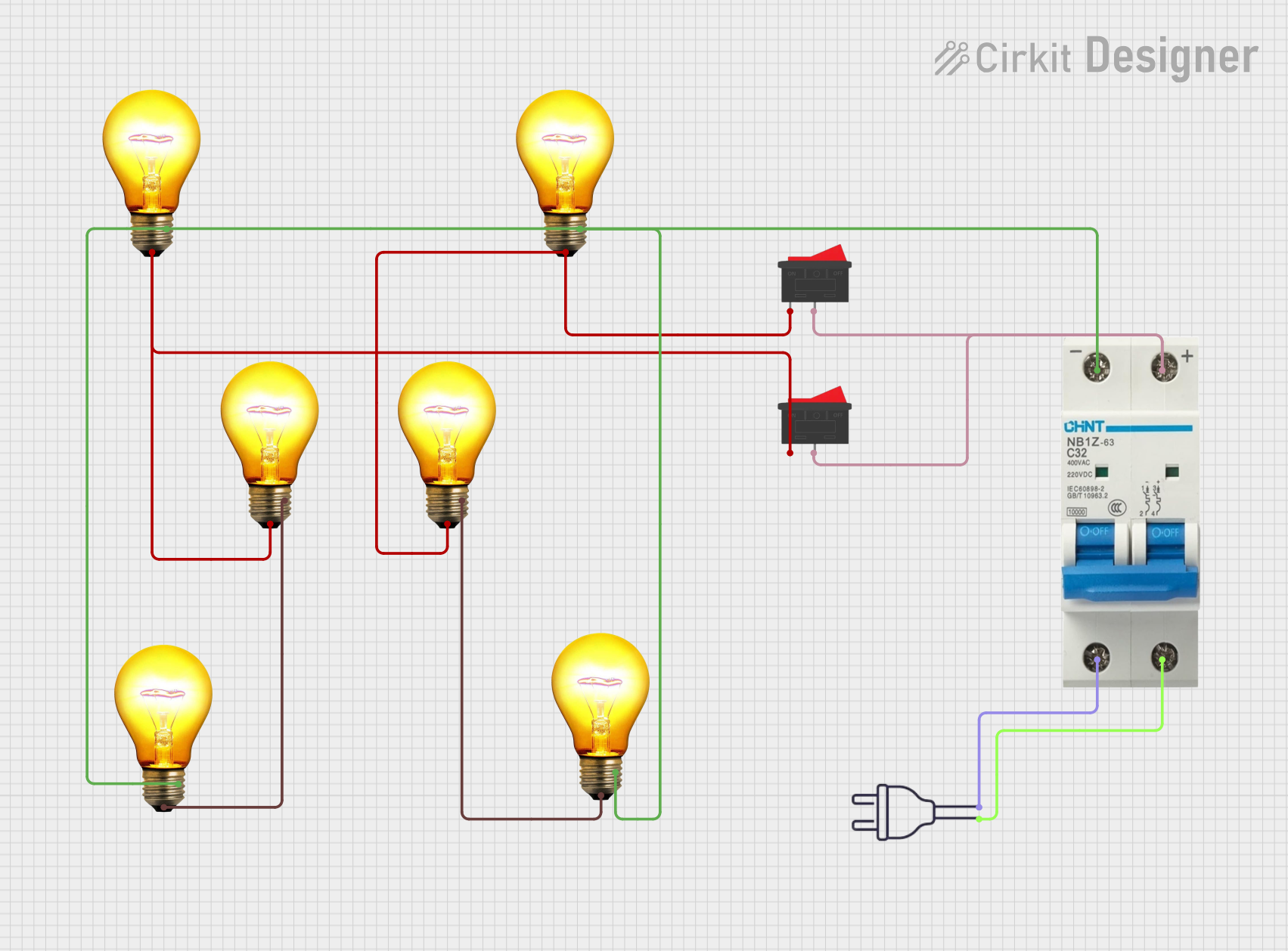 Open Project in Cirkit Designer
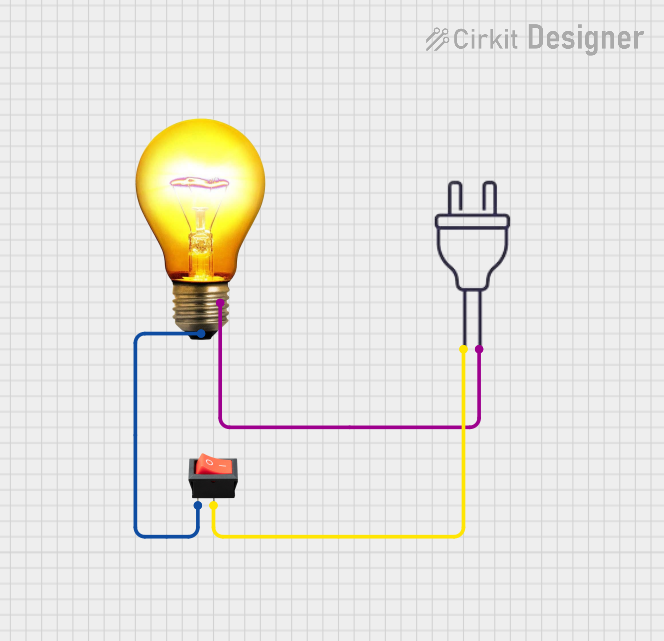 Open Project in Cirkit Designer
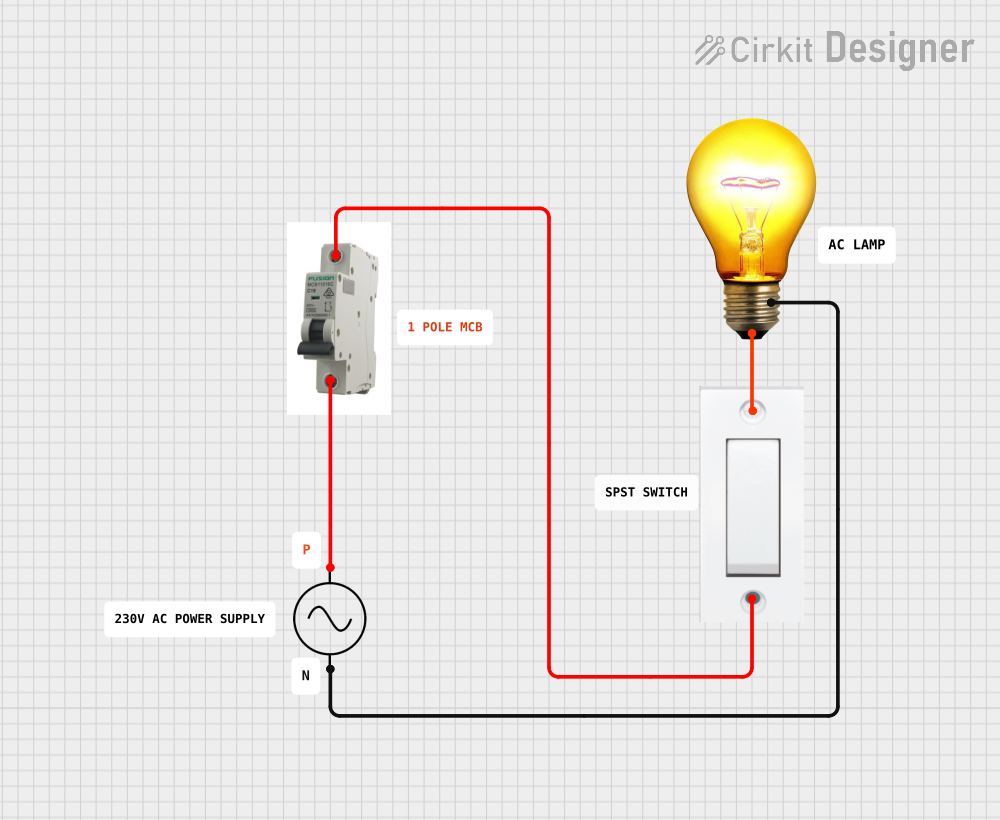 Open Project in Cirkit Designer
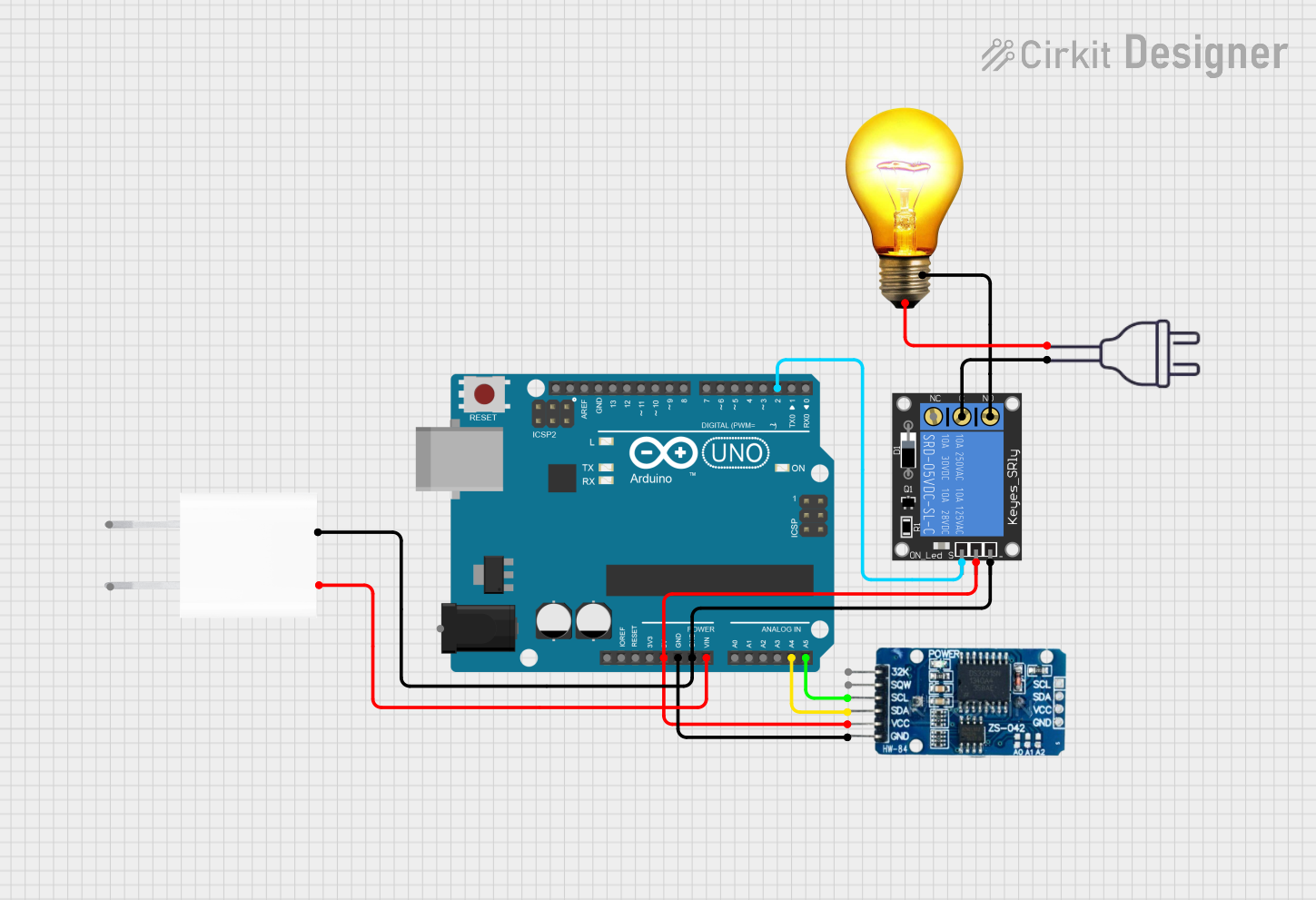 Open Project in Cirkit Designer
Explore Projects Built with AC Bulb
Open Project in Cirkit DesignerOpen Project in Cirkit DesignerOpen Project in Cirkit DesignerOpen Project in Cirkit DesignerCommon Applications and Use Cases
- Residential lighting (e.g., living rooms, bedrooms, kitchens)
- Commercial lighting in offices, shops, and warehouses
- Outdoor lighting (e.g., streetlights, garden lights)
- Decorative lighting for events and celebrations
Technical Specifications
The technical specifications of an AC bulb can vary depending on the type and model. Below are general specifications for a standard AC bulb:
| Parameter | Value |
|---|---|
| Operating Voltage | 110V - 240V AC (region-dependent) |
| Power Rating | 5W - 100W (varies by type) |
| Frequency | 50Hz / 60Hz |
| Light Output (Lumens) | 300 - 1600 lm (varies by wattage) |
| Bulb Type | Incandescent, CFL, LED |
| Base Type | E27, E14, B22, etc. |
| Lifespan | 1,000 - 25,000 hours (type-specific) |
| Color Temperature | 2700K - 6500K (warm to cool white) |
Pin Configuration and Descriptions
AC bulbs typically have a base with two electrical contacts. The configuration depends on the bulb type and region. Below is a table for common base types:
| Base Type | Description |
|---|---|
| E27 | Standard screw base, 27mm diameter, commonly used in household lighting |
| E14 | Smaller screw base, 14mm diameter, used for decorative or small fixtures |
| B22 | Bayonet base with two pins, commonly used in regions like the UK and India |
| GU10 | Twist-and-lock base, often used for spotlights and recessed lighting |
Usage Instructions
How to Use the Component in a Circuit
- Ensure Compatibility: Verify that the AC bulb's voltage and base type match your fixture and power supply.
- Turn Off Power: Before installation, switch off the power supply to avoid electrical hazards.
- Install the Bulb: Screw or lock the bulb into the fixture securely.
- Power On: Turn on the power supply to test the bulb.
Important Considerations and Best Practices
- Voltage Rating: Always use an AC bulb with a voltage rating that matches your local power supply (e.g., 110V or 240V).
- Fixture Compatibility: Ensure the bulb's base type fits the fixture.
- Heat Management: For high-wattage bulbs, ensure proper ventilation to prevent overheating.
- Energy Efficiency: Consider using LED bulbs for lower energy consumption and longer lifespan.
- Dimming: If using a dimmer switch, ensure the bulb is dimmable and compatible with the dimmer.
Example: Controlling an AC Bulb with an Arduino UNO
To control an AC bulb using an Arduino UNO, you can use a relay module to safely switch the AC circuit. Below is an example code snippet:
// Example: Controlling an AC bulb with Arduino UNO and a relay module
// Note: Ensure proper isolation between the AC and DC circuits for safety.

const int relayPin = 7; // Pin connected to the relay module

void setup() {
  pinMode(relayPin, OUTPUT); // Set relay pin as output
  digitalWrite(relayPin, LOW); // Ensure relay is off initially
}

void loop() {
  digitalWrite(relayPin, HIGH); // Turn on the AC bulb
  delay(5000); // Keep the bulb on for 5 seconds
  digitalWrite(relayPin, LOW); // Turn off the AC bulb
  delay(5000); // Keep the bulb off for 5 seconds
}
Safety Note: Always use a properly rated relay module and ensure that the AC wiring is done by a qualified professional. Never handle live AC circuits directly.
Troubleshooting and FAQs
Common Issues Users Might Face
Bulb Does Not Light Up:
- Check if the bulb is securely installed in the fixture.
- Verify that the power supply is turned on and functioning.
- Ensure the bulb is not damaged or burned out.
Flickering Light:
- Check for loose connections in the fixture or wiring.
- Ensure the bulb is compatible with the power supply frequency (50Hz/60Hz).
- If using a dimmer, verify that the bulb is dimmable.
Overheating:
- Ensure the bulb is not enclosed in a fixture without proper ventilation.
- Use a bulb with a lower wattage if overheating persists.
Short Lifespan:
- Verify that the voltage supply is stable and within the bulb's rated range.
- Avoid frequent switching on and off, as it can reduce the lifespan of some bulb types.
Solutions and Tips for Troubleshooting
- Test with a Multimeter: Use a multimeter to check the voltage at the fixture.
- Replace Components: If the bulb or fixture is faulty, replace it with a new one.
- Consult a Professional: For complex issues, seek assistance from a licensed electrician.
By following this documentation, you can effectively use and troubleshoot an AC bulb for various lighting applications.