
How to Use Keyestudio Motor Fan: Examples, Pinouts, and Specs
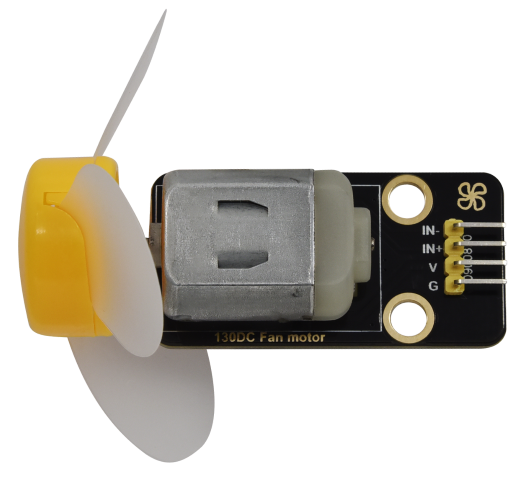
 Design with Keyestudio Motor Fan in Cirkit Designer
Introduction
The Keyestudio Motor Fan is a compact and efficient fan powered by a motor, designed to provide airflow for cooling applications in electronic projects. It is commonly used in robotics, DIY electronics, and other projects where heat dissipation or airflow is required. Its small size and ease of integration make it a popular choice for hobbyists and professionals alike.
Explore Projects Built with Keyestudio Motor Fan
 Open Project in Cirkit Designer
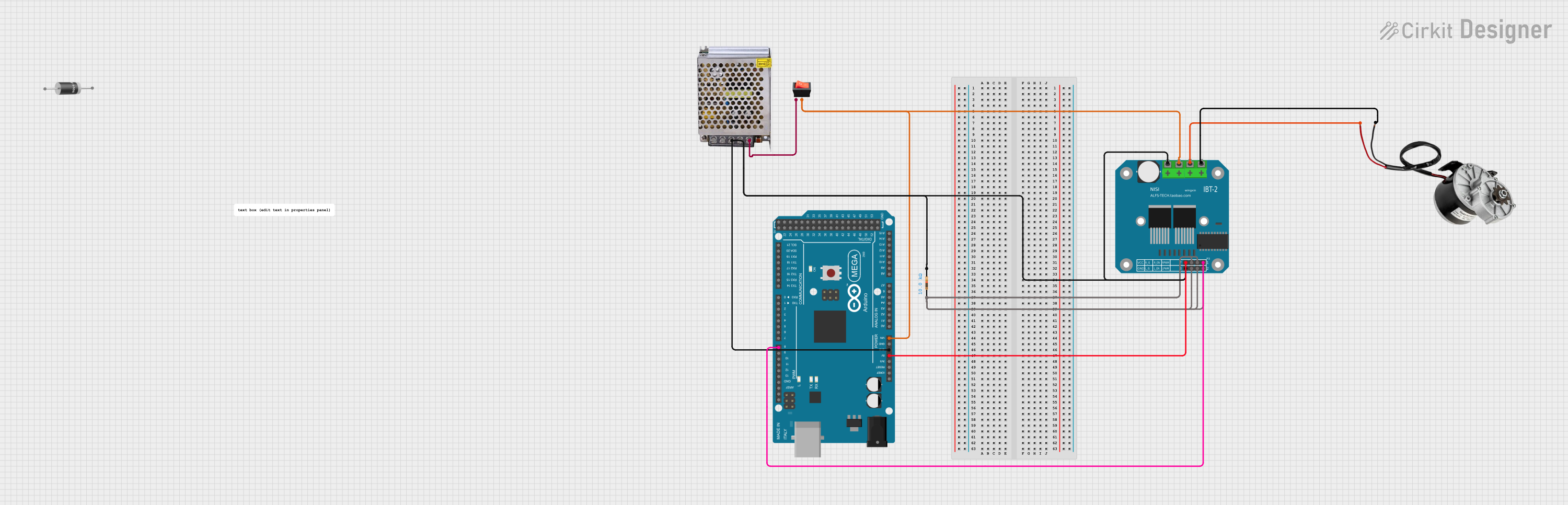 Open Project in Cirkit Designer
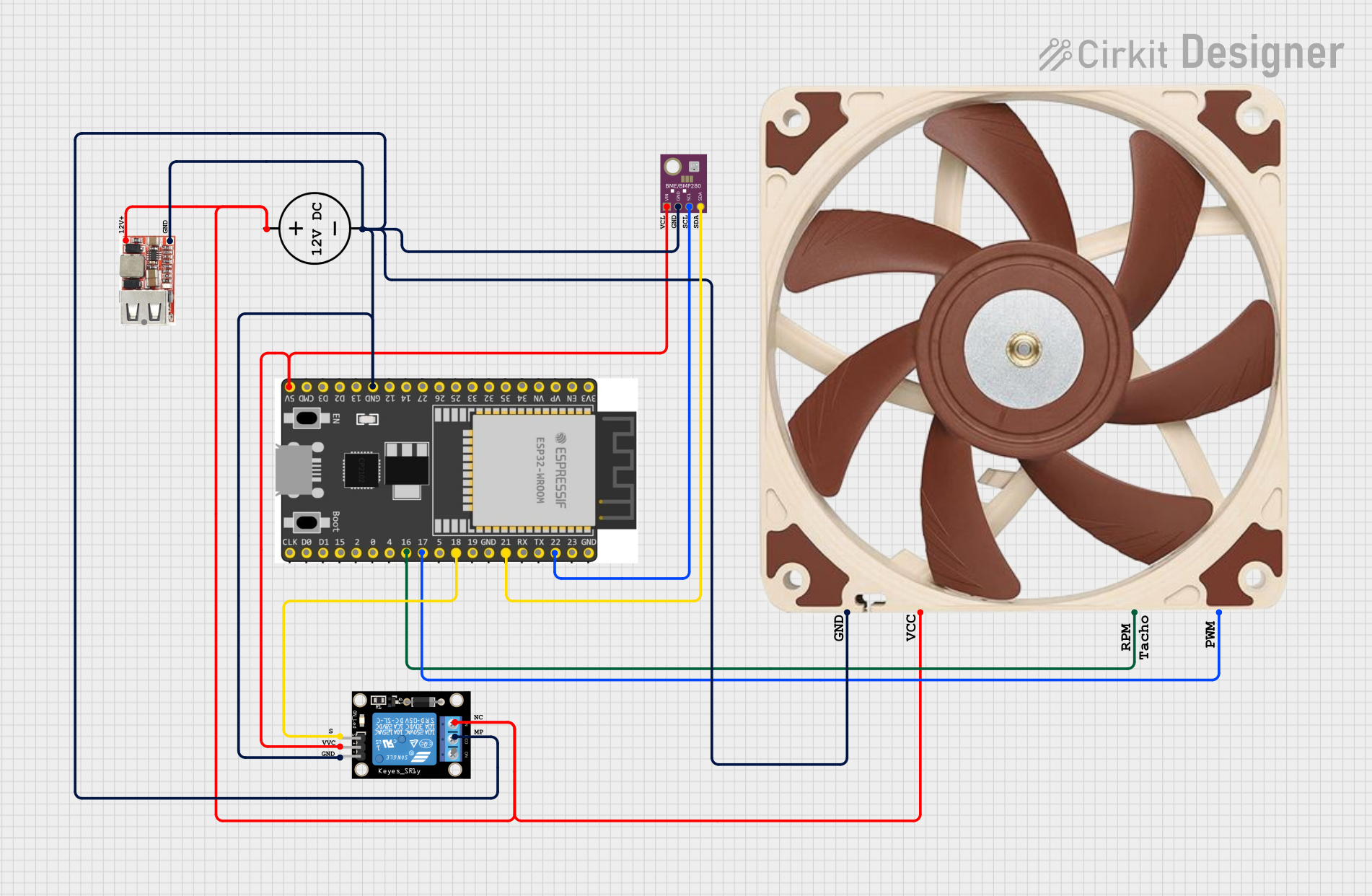 Open Project in Cirkit Designer
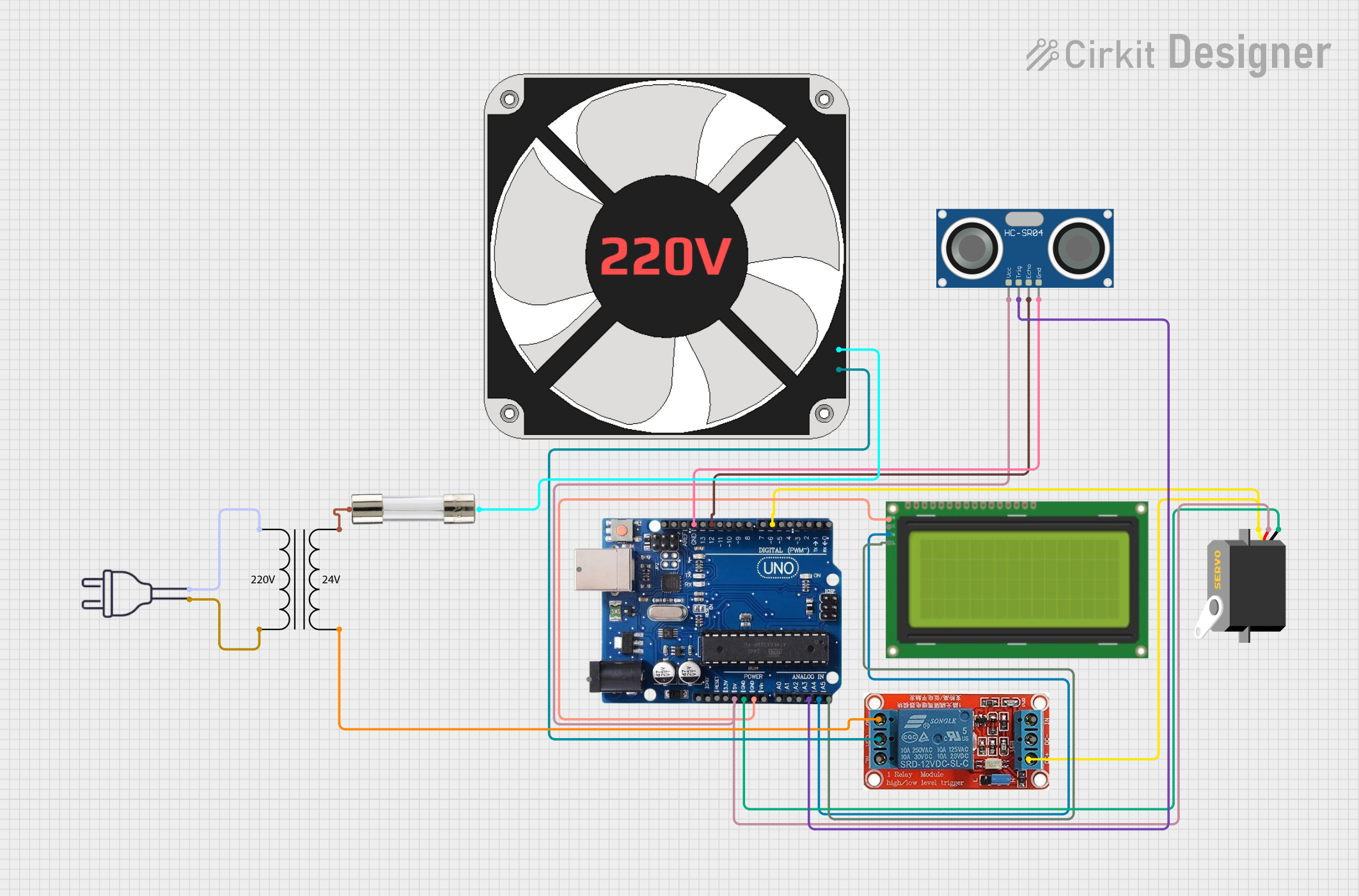 Open Project in Cirkit Designer
Explore Projects Built with Keyestudio Motor Fan
Open Project in Cirkit DesignerOpen Project in Cirkit DesignerOpen Project in Cirkit DesignerOpen Project in Cirkit DesignerCommon Applications and Use Cases
- Cooling microcontrollers, sensors, or other heat-sensitive components.
- Providing airflow in robotics projects to prevent overheating.
- Enhancing ventilation in small enclosures or cases.
- DIY projects requiring compact and efficient cooling solutions.
Technical Specifications
The Keyestudio Motor Fan is designed to operate efficiently in low-power electronic circuits. Below are its key technical details:
General Specifications
| Parameter | Value |
|---|---|
| Operating Voltage | 5V DC |
| Operating Current | 100mA (typical) |
| Power Consumption | 0.5W |
| Fan Dimensions | 30mm x 30mm x 10mm |
| Motor Type | Brushed DC Motor |
| Airflow | ~1.5 CFM (Cubic Feet/Minute) |
| Noise Level | ~25 dB |
| Connector Type | 2-pin JST |
Pin Configuration and Descriptions
| Pin Name | Description |
|---|---|
| VCC | Positive power supply (5V DC input) |
| GND | Ground connection |
Usage Instructions
How to Use the Keyestudio Motor Fan in a Circuit
- Power Connection: Connect the VCC pin of the fan to a 5V DC power source and the GND pin to the ground of your circuit.
- Control Options:
- For basic operation, the fan can be directly powered by a 5V source.
- For advanced control, such as turning the fan on/off or adjusting speed, use a transistor or MOSFET as a switch, controlled by a microcontroller like an Arduino.
- Placement: Position the fan near the components that require cooling, ensuring unobstructed airflow.
Important Considerations and Best Practices
- Voltage Limits: Do not exceed the 5V operating voltage to avoid damaging the motor.
- Polarity: Ensure correct polarity when connecting the fan to the power supply. Reversing the polarity may damage the motor.
- Mounting: Use screws or adhesive to securely mount the fan in your project. Avoid placing it in areas where wires or objects could obstruct the blades.
- Noise Reduction: If noise is a concern, consider using rubber mounts to reduce vibrations.
Example: Controlling the Fan with an Arduino UNO
Below is an example of how to control the Keyestudio Motor Fan using an Arduino UNO and a transistor:
// Example: Controlling the Keyestudio Motor Fan with Arduino UNO
// This code turns the fan on for 5 seconds, then off for 5 seconds in a loop.

const int fanPin = 9; // Pin connected to the transistor's base (via a resistor)

void setup() {
  pinMode(fanPin, OUTPUT); // Set the fan control pin as an output
}

void loop() {
  digitalWrite(fanPin, HIGH); // Turn the fan on
  delay(5000);               // Wait for 5 seconds
  digitalWrite(fanPin, LOW);  // Turn the fan off
  delay(5000);               // Wait for 5 seconds
}
Circuit Notes:
- Connect the fan's VCC pin to the 5V pin on the Arduino.
- Connect the fan's GND pin to the collector of an NPN transistor (e.g., 2N2222).
- Connect the emitter of the transistor to the ground.
- Use a 1kΩ resistor between the Arduino pin (fanPin) and the base of the transistor.
- Add a flyback diode (e.g., 1N4007) across the fan terminals to protect the circuit from voltage spikes.
Troubleshooting and FAQs
Common Issues and Solutions
Fan Not Spinning:
- Cause: Incorrect wiring or insufficient power supply.
- Solution: Double-check the connections and ensure the power supply provides 5V DC.
Fan Spins Slowly:
- Cause: Insufficient current or obstructions in the fan blades.
- Solution: Ensure the power supply can provide at least 100mA. Check for and remove any obstructions.
Fan Makes Excessive Noise:
- Cause: Loose mounting or worn-out motor bearings.
- Solution: Securely mount the fan using screws or adhesive. If the noise persists, consider replacing the fan.
Fan Overheats:
- Cause: Prolonged operation at high ambient temperatures.
- Solution: Ensure proper ventilation around the fan and avoid operating it in extremely hot environments.
FAQs
Can I use the fan with a 3.3V power supply?
- The fan is designed for 5V operation. Using it with 3.3V may result in reduced performance or failure to spin.
Can I control the fan speed?
- Yes, you can use PWM (Pulse Width Modulation) with a transistor or MOSFET to control the fan speed.
Is the fan waterproof?
- No, the Keyestudio Motor Fan is not waterproof. Avoid exposing it to water or high humidity.
Can I use the fan with a battery?
- Yes, as long as the battery provides a stable 5V output and sufficient current (at least 100mA).