
How to Use motor VEX 2-were 393: Examples, Pinouts, and Specs
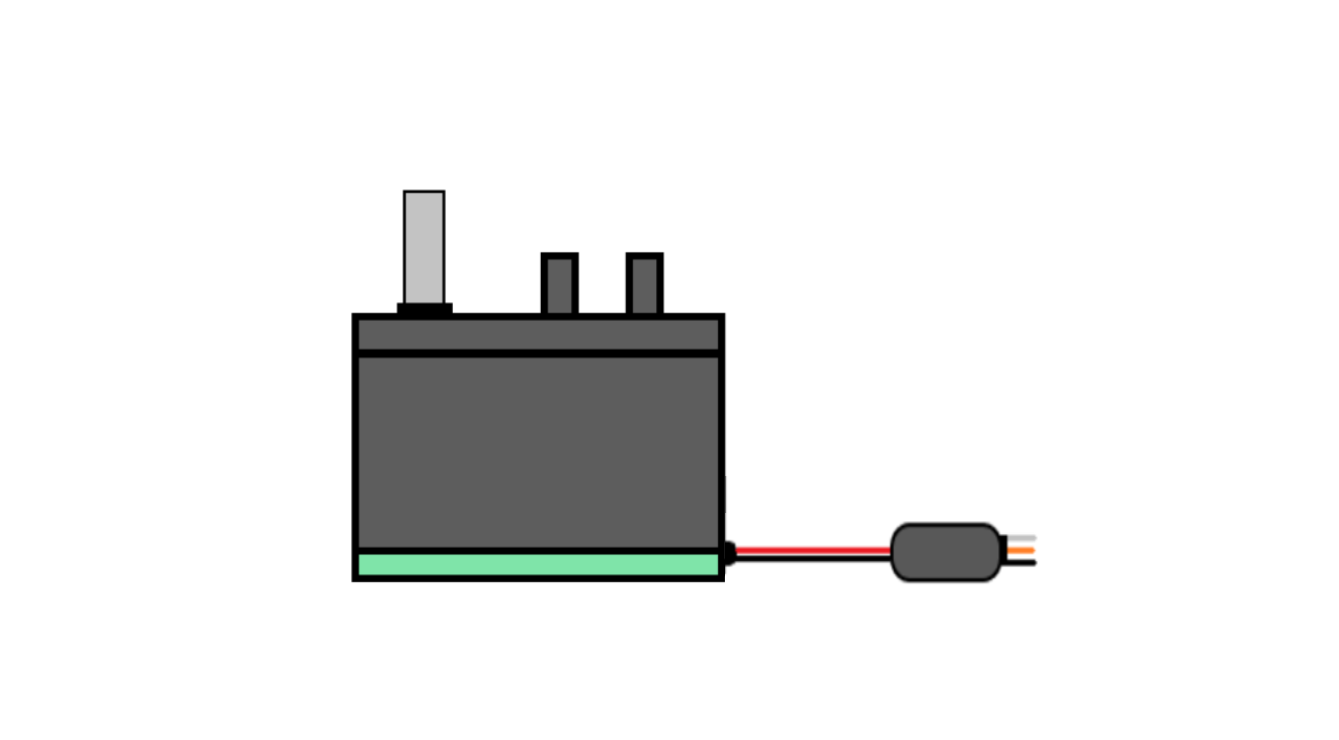
 Design with motor VEX 2-were 393 in Cirkit Designer
Introduction
The Motor VEX 2-Wire 393 is a versatile DC motor designed for use in robotics and other mechanical systems. Manufactured by Arduino (Part ID: MEGA), this motor is known for its reliability, efficiency, and ease of integration. Its 2-wire connection simplifies control system integration, making it a popular choice for hobbyists and professionals alike.
Explore Projects Built with motor VEX 2-were 393
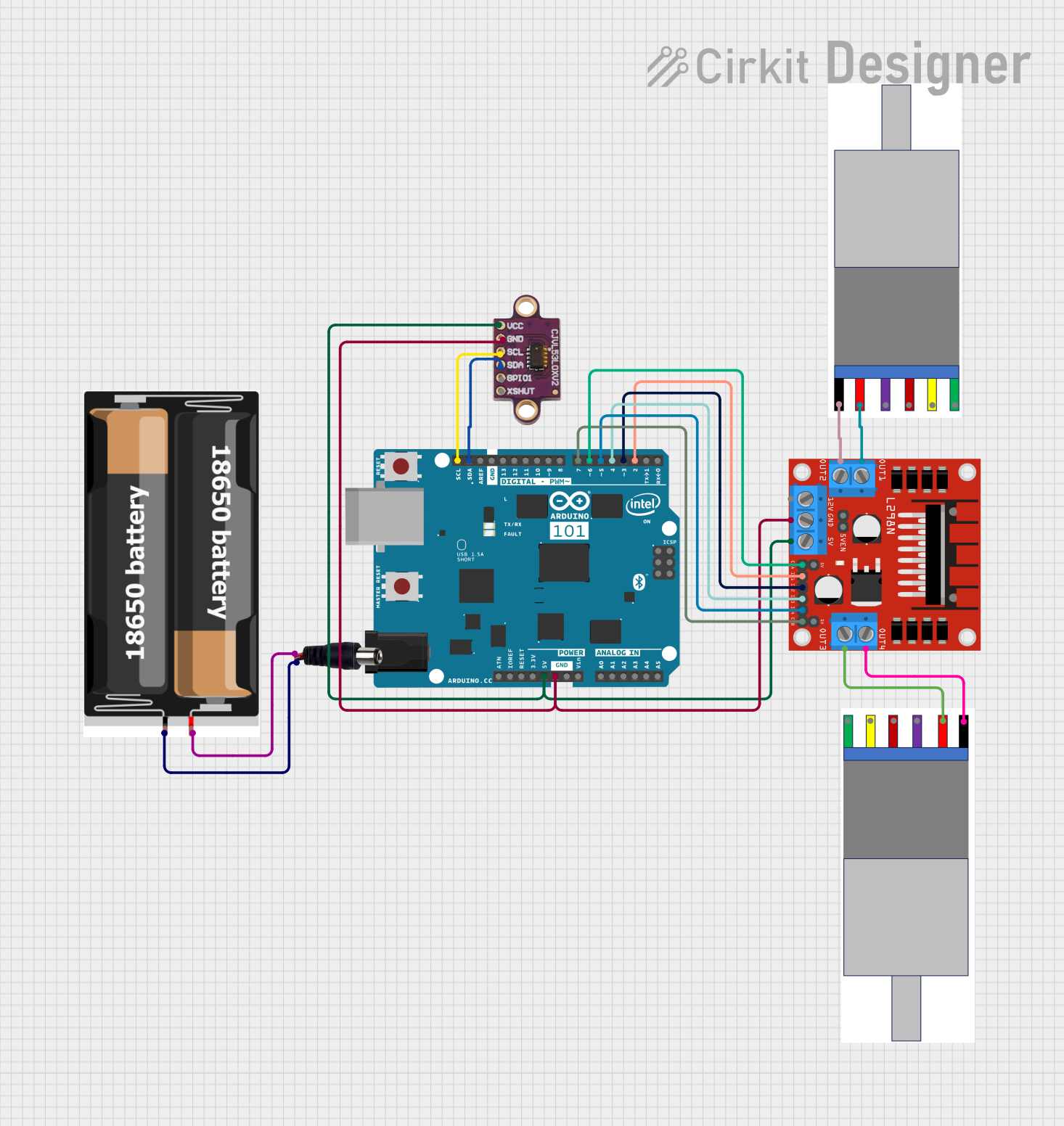 Open Project in Cirkit Designer
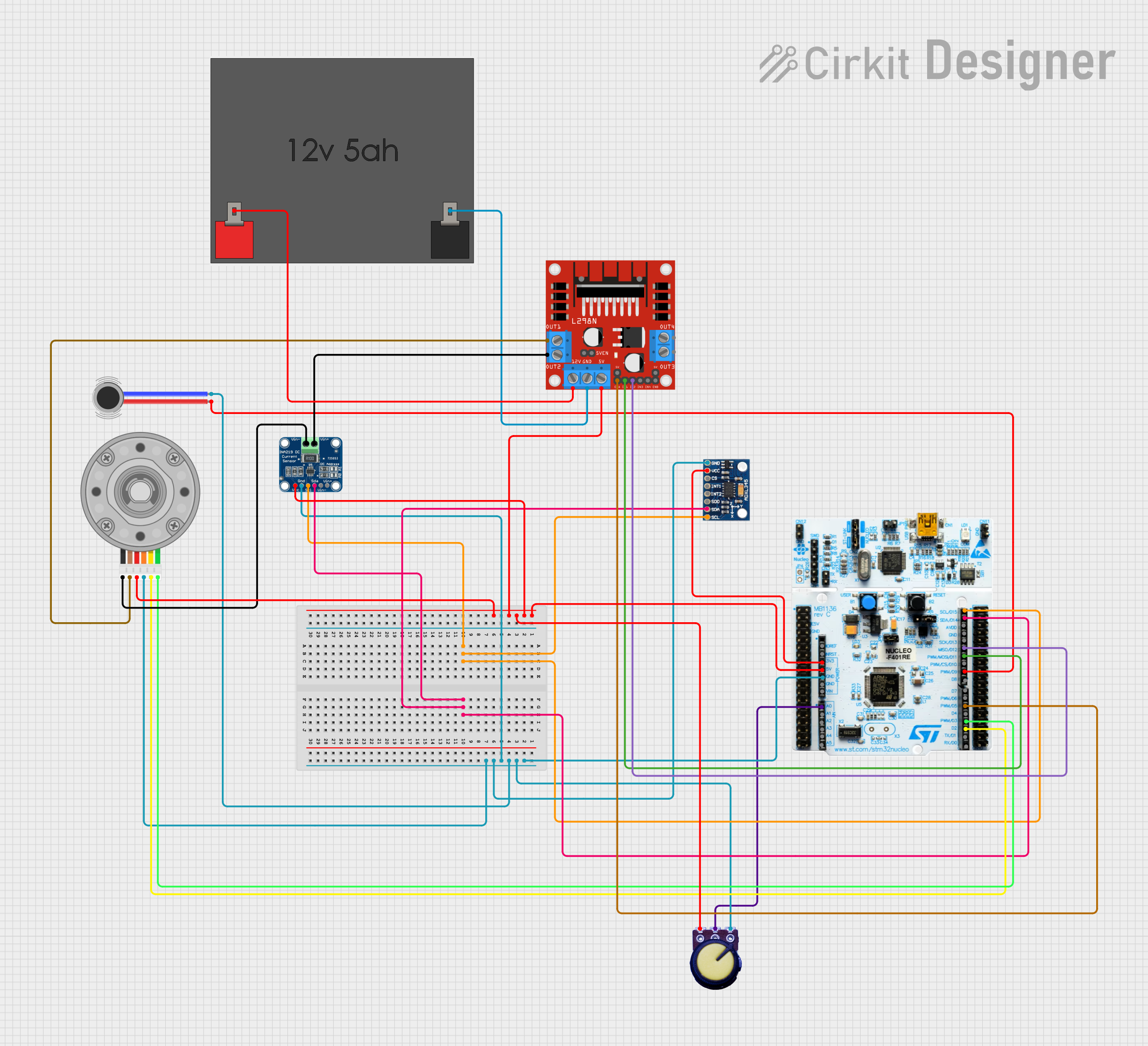 Open Project in Cirkit Designer
 Open Project in Cirkit Designer
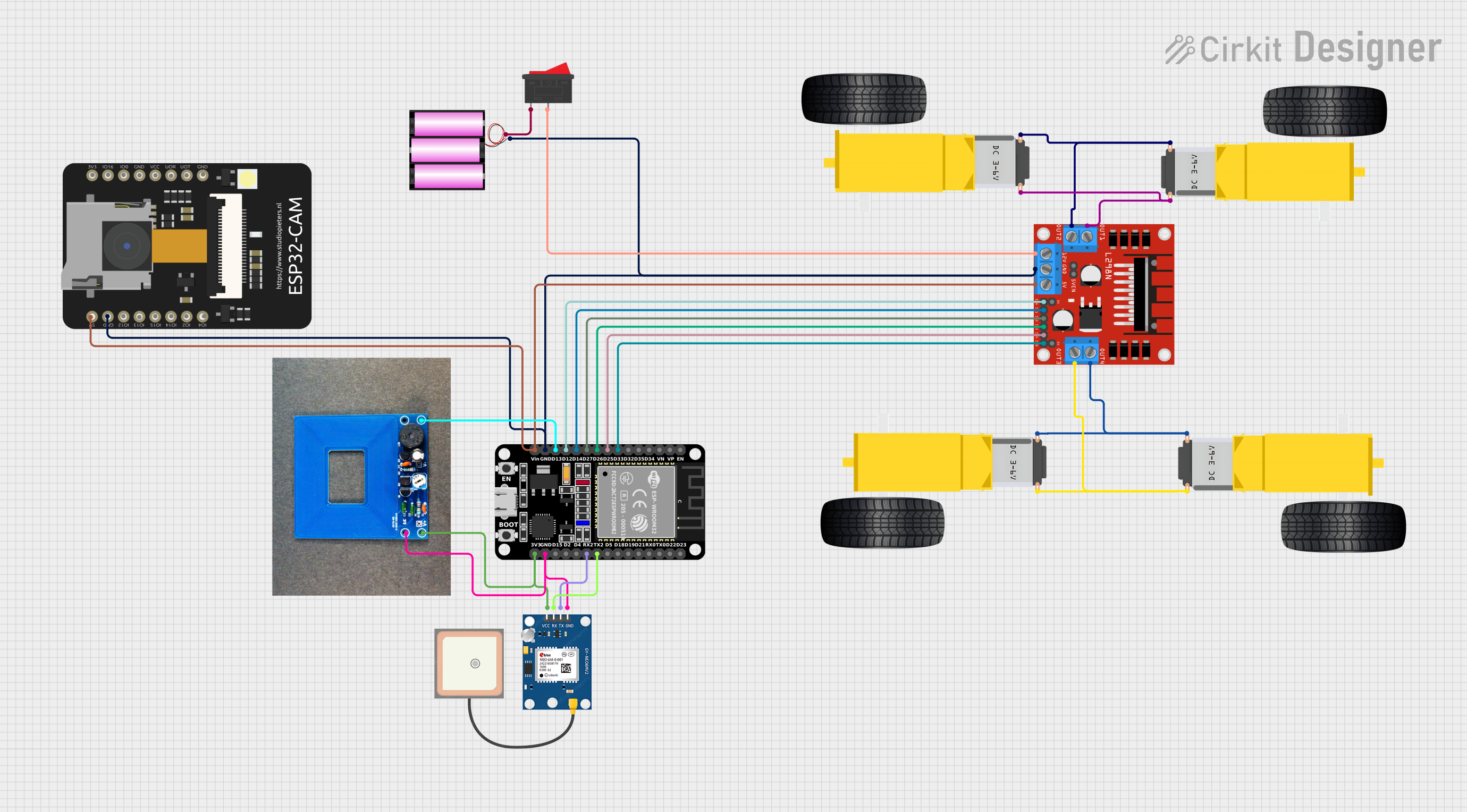 Open Project in Cirkit Designer
Explore Projects Built with motor VEX 2-were 393
Open Project in Cirkit DesignerOpen Project in Cirkit DesignerOpen Project in Cirkit DesignerOpen Project in Cirkit DesignerCommon Applications and Use Cases
- Robotics: Driving wheels, arms, and other mechanical components.
- Conveyor systems: Powering small-scale conveyor belts.
- Automated systems: Actuating mechanisms in automated devices.
- Educational projects: Ideal for learning about motor control and robotics.
Technical Specifications
The following table outlines the key technical details of the Motor VEX 2-Wire 393:
| Parameter | Value |
|---|---|
| Operating Voltage | 7.2V (Nominal), 4.0V - 12.0V |
| Stall Current | 4.8A |
| Stall Torque | 13.5 kg·cm |
| Free Speed (High Torque) | 100 RPM |
| Free Speed (High Speed) | 160 RPM |
| Power Output | 4.3W |
| Motor Type | Brushed DC Motor |
| Weight | 0.17 lbs (77 g) |
Pin Configuration and Descriptions
The Motor VEX 2-Wire 393 has a simple 2-wire connection for power and control. The pin configuration is as follows:
| Wire Color | Function |
|---|---|
| Red | Positive Voltage (+) |
| Black | Ground (-) |
Usage Instructions
How to Use the Motor in a Circuit
- Power Supply: Connect the motor to a power source within the operating voltage range (4.0V to 12.0V). A 7.2V battery is recommended for optimal performance.
- Motor Controller: Use a motor driver or H-bridge (e.g., L298N or L293D) to control the motor's speed and direction. Directly connecting the motor to a microcontroller is not recommended due to high current requirements.
- Connections:
- Connect the red wire to the motor driver's output terminal for positive voltage.
- Connect the black wire to the motor driver's ground terminal.
- Control Signals: Use PWM (Pulse Width Modulation) signals from a microcontroller (e.g., Arduino MEGA) to control the motor's speed.
Important Considerations and Best Practices
- Current Handling: Ensure the motor driver can handle the stall current (4.8A) to prevent damage.
- Heat Dissipation: Prolonged use at high loads may cause the motor to heat up. Allow for adequate cooling.
- Direction Control: Reverse the polarity of the wires to change the motor's direction.
- Gear Ratios: The motor supports interchangeable gear cartridges for adjusting speed and torque.
Example Code for Arduino MEGA
Below is an example of how to control the Motor VEX 2-Wire 393 using an Arduino MEGA and an L298N motor driver:
// Define motor control pins
const int motorEnablePin = 9;  // PWM pin for speed control
const int motorInput1 = 7;     // Input 1 for direction control
const int motorInput2 = 8;     // Input 2 for direction control

void setup() {
  // Set motor control pins as outputs
  pinMode(motorEnablePin, OUTPUT);
  pinMode(motorInput1, OUTPUT);
  pinMode(motorInput2, OUTPUT);
}

void loop() {
  // Rotate motor forward
  digitalWrite(motorInput1, HIGH);  // Set Input 1 HIGH
  digitalWrite(motorInput2, LOW);   // Set Input 2 LOW
  analogWrite(motorEnablePin, 128); // Set speed (0-255)

  delay(2000); // Run motor for 2 seconds

  // Rotate motor backward
  digitalWrite(motorInput1, LOW);   // Set Input 1 LOW
  digitalWrite(motorInput2, HIGH);  // Set Input 2 HIGH
  analogWrite(motorEnablePin, 128); // Set speed (0-255)

  delay(2000); // Run motor for 2 seconds

  // Stop motor
  digitalWrite(motorInput1, LOW);   // Set Input 1 LOW
  digitalWrite(motorInput2, LOW);   // Set Input 2 LOW
  analogWrite(motorEnablePin, 0);   // Set speed to 0

  delay(2000); // Wait for 2 seconds
}
Troubleshooting and FAQs
Common Issues and Solutions
Motor Not Spinning:
- Check the power supply voltage and connections.
- Ensure the motor driver is functioning and properly connected.
- Verify that the PWM signal is being sent from the microcontroller.
Motor Overheating:
- Reduce the load on the motor.
- Operate the motor within its recommended voltage range.
- Allow the motor to cool down between extended uses.
Inconsistent Speed:
- Check for loose connections or damaged wires.
- Ensure the power supply provides a stable voltage.
Motor Driver Overheating:
- Use a motor driver with a higher current rating.
- Add a heat sink or cooling fan to the motor driver.
FAQs
Q: Can I connect the motor directly to an Arduino MEGA?
A: No, the motor's current requirements exceed the Arduino MEGA's output capabilities. Use a motor driver or H-bridge.
Q: How do I reverse the motor's direction?
A: Swap the polarity of the red and black wires or adjust the control signals on the motor driver.
Q: What is the difference between high torque and high speed modes?
A: High torque mode provides more force at a lower speed, while high speed mode offers faster rotation with less torque. Adjust the internal gear cartridge to switch modes.
Q: Can I use this motor with other microcontrollers?
A: Yes, the Motor VEX 2-Wire 393 is compatible with any microcontroller that can provide PWM signals and control a motor driver.
This documentation provides all the necessary details to effectively use the Motor VEX 2-Wire 393 in your projects.