
How to Use MMD3A Motor Driver: Examples, Pinouts, and Specs
 Design with MMD3A Motor Driver in Cirkit Designer
Introduction
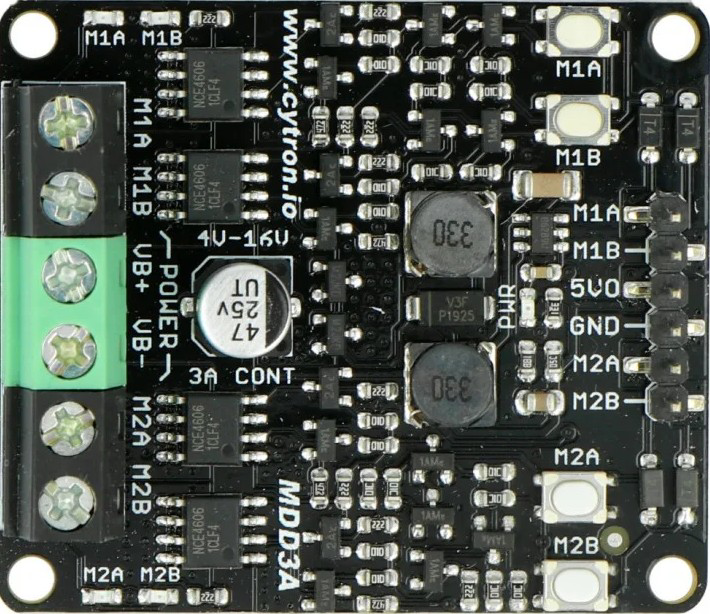
The MMD3A Motor Driver is a compact and efficient driver designed to control both DC motors and stepper motors. It is equipped with built-in protection mechanisms, including overcurrent and thermal overload protection, ensuring reliable operation in demanding environments. This motor driver is ideal for robotics, automation systems, and other applications requiring precise motor control.
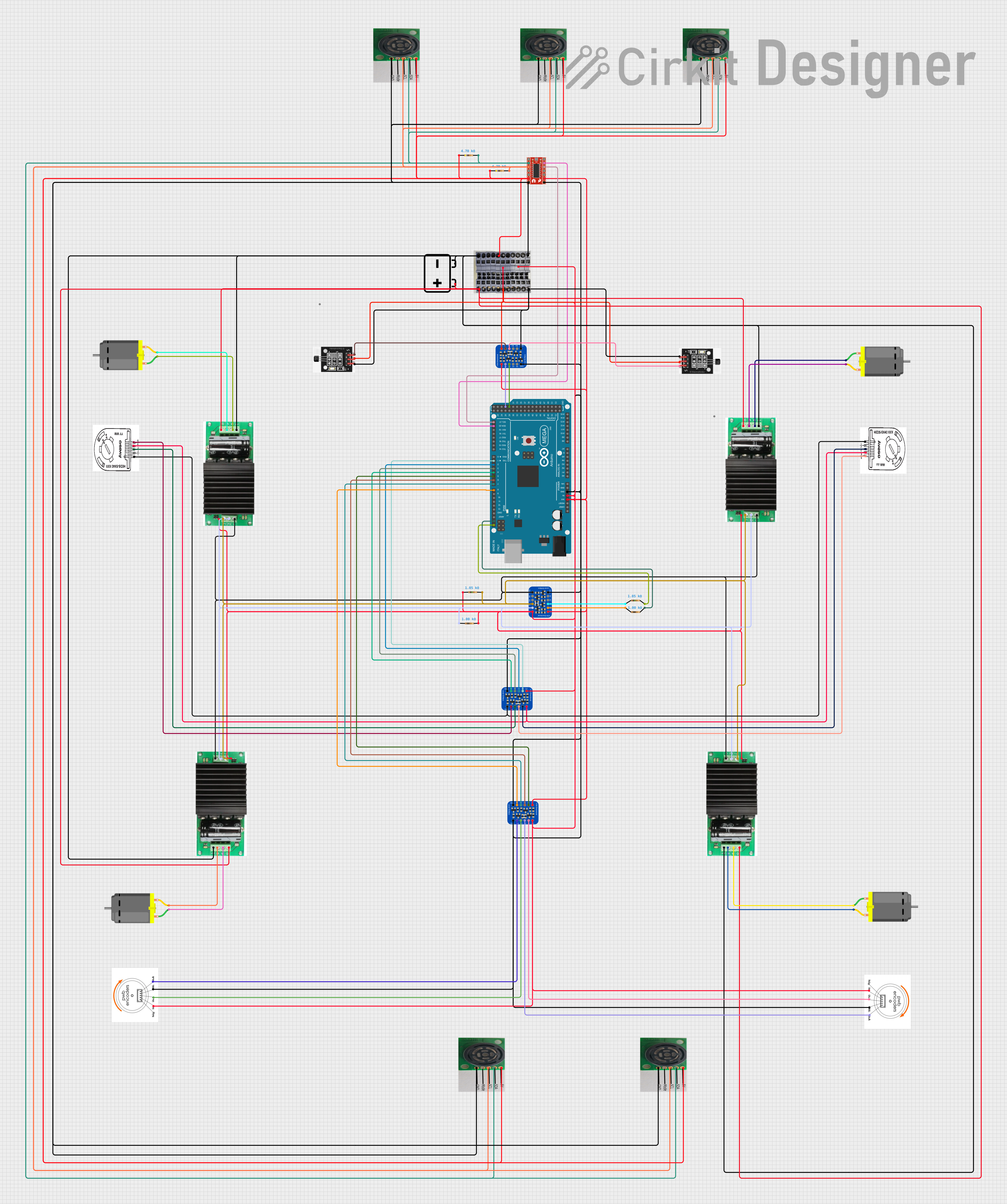
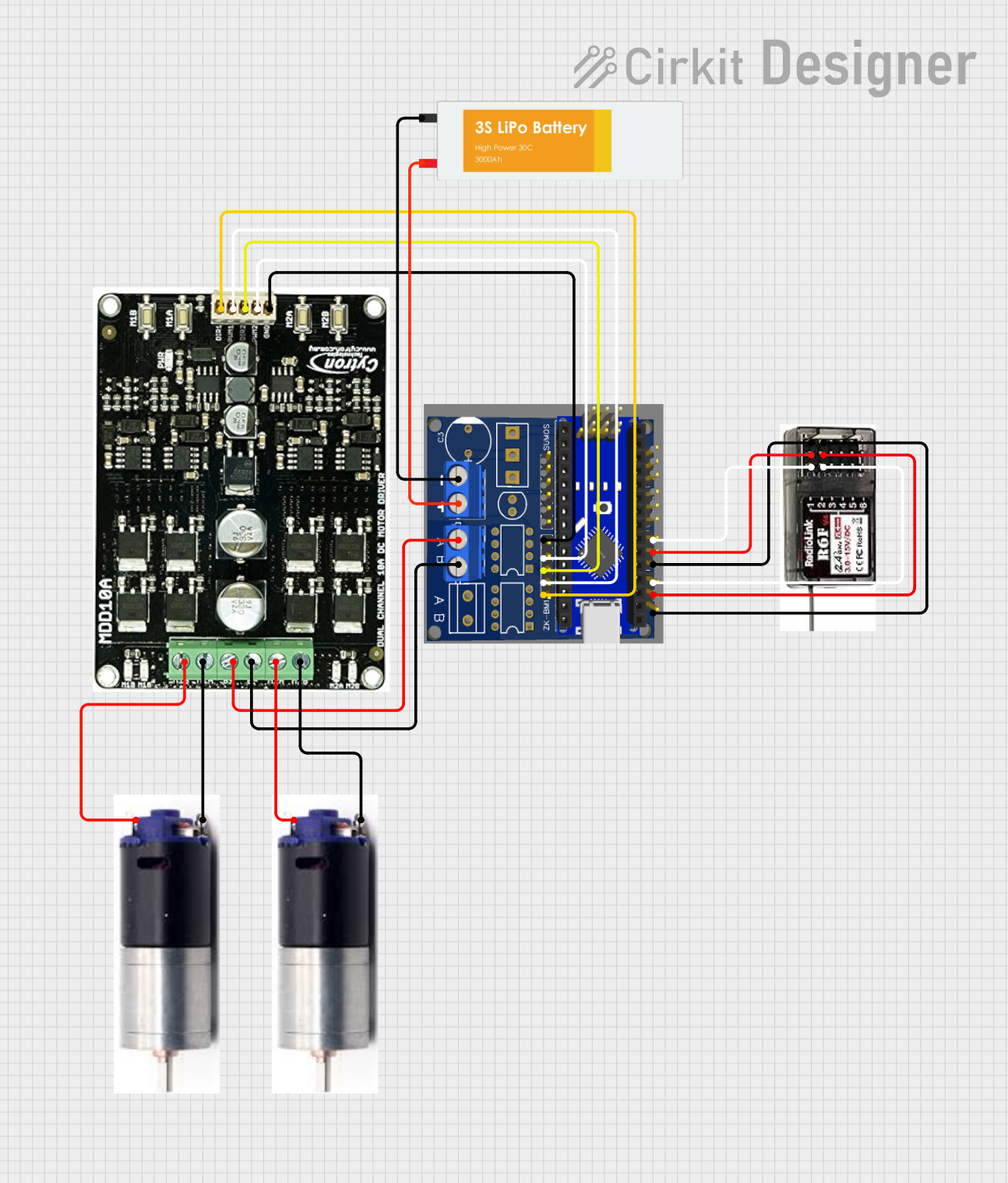
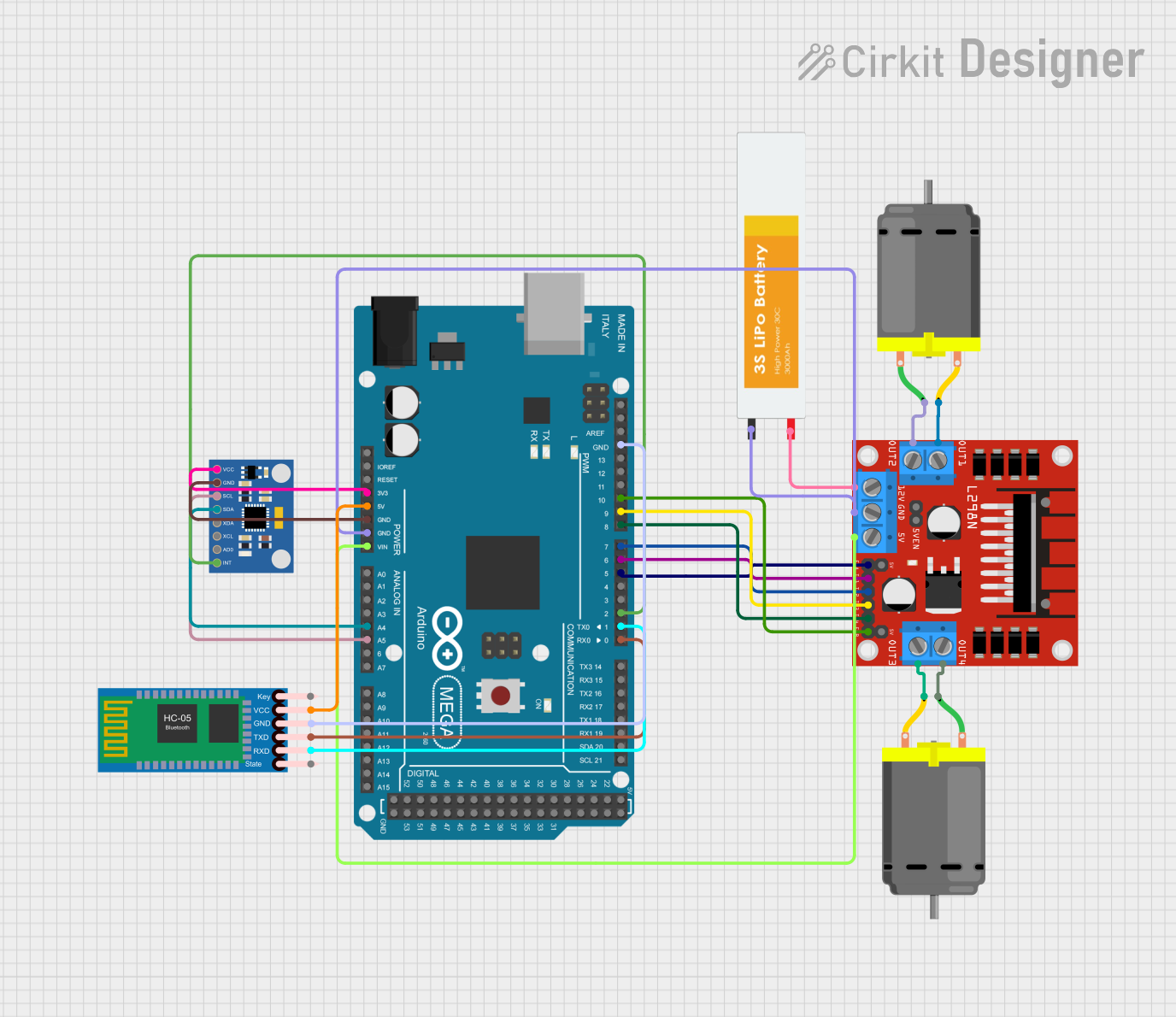
Explore Projects Built with MMD3A Motor Driver
 Open Project in Cirkit Designer
 Open Project in Cirkit DesignerOpen Project in Cirkit Designer
 Open Project in Cirkit Designer
Explore Projects Built with MMD3A Motor Driver
Open Project in Cirkit DesignerOpen Project in Cirkit DesignerOpen Project in Cirkit DesignerOpen Project in Cirkit DesignerCommon Applications:
- Robotics and automation systems
- Conveyor belt systems
- Remote-controlled vehicles
- CNC machines
- DIY electronics projects
Technical Specifications
The MMD3A Motor Driver is designed to deliver high performance while maintaining safety and reliability. Below are its key technical details:
Key Specifications:
| Parameter | Value |
|---|---|
| Operating Voltage Range | 6V to 30V |
| Continuous Current | 3A per channel |
| Peak Current | 5A per channel (short duration) |
| Motor Channels | 2 (independent or combined) |
| Control Logic Voltage | 3.3V or 5V (logic level compatible) |
| PWM Frequency | Up to 20 kHz |
| Protection Features | Overcurrent, thermal shutdown |
| Dimensions | 40mm x 30mm x 15mm |
Pin Configuration:
The MMD3A Motor Driver has a total of 8 pins. Below is the pinout and description:
| Pin Number | Pin Name | Description |
|---|---|---|
| 1 | VCC | Motor power supply (6V to 30V) |
| 2 | GND | Ground connection |
| 3 | IN1 | Input signal for Motor A direction control |
| 4 | IN2 | Input signal for Motor A speed control (PWM) |
| 5 | IN3 | Input signal for Motor B direction control |
| 6 | IN4 | Input signal for Motor B speed control (PWM) |
| 7 | OUTA | Output terminal for Motor A |
| 8 | OUTB | Output terminal for Motor B |
Usage Instructions
The MMD3A Motor Driver is straightforward to use in a circuit. Follow the steps below to integrate it into your project:
Connecting the MMD3A Motor Driver:
- Power Supply: Connect the VCC pin to a power source (6V to 30V) and the GND pin to the ground.
- Motor Connections:
- Connect the motor terminals to the OUTA and OUTB pins.
- For dual-motor setups, connect Motor A to OUTA and Motor B to OUTB.
- Control Signals:
- Use IN1 and IN2 to control Motor A's direction and speed.
- Use IN3 and IN4 to control Motor B's direction and speed.
- Provide PWM signals to IN2 and IN4 for speed control.
- Logic Voltage: Ensure the control signals are compatible with the driver’s logic voltage (3.3V or 5V).
Example: Using MMD3A with Arduino UNO
Below is an example Arduino sketch to control two DC motors using the MMD3A Motor Driver:
// Define motor control pins
const int IN1 = 3;  // Motor A direction control
const int IN2 = 5;  // Motor A speed control (PWM)
const int IN3 = 6;  // Motor B direction control
const int IN4 = 9;  // Motor B speed control (PWM)

void setup() {
  // Set motor control pins as outputs
  pinMode(IN1, OUTPUT);
  pinMode(IN2, OUTPUT);
  pinMode(IN3, OUTPUT);
  pinMode(IN4, OUTPUT);
}

void loop() {
  // Example: Run Motor A forward at 50% speed
  digitalWrite(IN1, HIGH);  // Set direction
  analogWrite(IN2, 128);    // Set speed (128 = 50% duty cycle)

  // Example: Run Motor B backward at 75% speed
  digitalWrite(IN3, LOW);   // Set direction
  analogWrite(IN4, 192);    // Set speed (192 = 75% duty cycle)

  delay(2000);  // Run motors for 2 seconds

  // Stop both motors
  analogWrite(IN2, 0);      // Stop Motor A
  analogWrite(IN4, 0);      // Stop Motor B

  delay(2000);  // Wait for 2 seconds
}
Best Practices:
- Use a decoupling capacitor (e.g., 100µF) across the VCC and GND pins to stabilize the power supply.
- Ensure the motor's current rating does not exceed the driver’s maximum current capacity.
- Avoid running the motor driver at peak current for extended periods to prevent overheating.
- Use proper heat dissipation methods if the driver operates near its maximum ratings.
Troubleshooting and FAQs
Common Issues:
Motor Not Running:
- Cause: Incorrect wiring or insufficient power supply.
- Solution: Double-check all connections and ensure the power supply voltage is within the specified range.
Overheating:
- Cause: Prolonged operation at high current or insufficient ventilation.
- Solution: Reduce the motor load or improve heat dissipation (e.g., add a heatsink).
Erratic Motor Behavior:
- Cause: Noise in the control signals or unstable power supply.
- Solution: Use shielded cables for control signals and add a decoupling capacitor to the power supply.
Driver Shuts Down Unexpectedly:
- Cause: Overcurrent or thermal protection triggered.
- Solution: Check the motor's current draw and ensure it is within the driver’s limits.
FAQs:
Q1: Can the MMD3A control stepper motors?
A1: Yes, the MMD3A can control stepper motors by driving the coils in a coordinated manner. However, additional logic or a microcontroller is required to generate the stepper motor control signals.
Q2: What is the maximum PWM frequency supported?
A2: The MMD3A supports PWM frequencies up to 20 kHz, making it suitable for high-speed motor control.
Q3: Can I use the MMD3A with a 3.3V microcontroller?
A3: Yes, the MMD3A is compatible with both 3.3V and 5V logic levels.
Q4: Is reverse polarity protection included?
A4: No, the MMD3A does not have built-in reverse polarity protection. Ensure correct polarity when connecting the power supply.
By following this documentation, you can effectively integrate the MMD3A Motor Driver into your projects and troubleshoot common issues with ease.