
How to Use Round Rocker Switch with led: Examples, Pinouts, and Specs
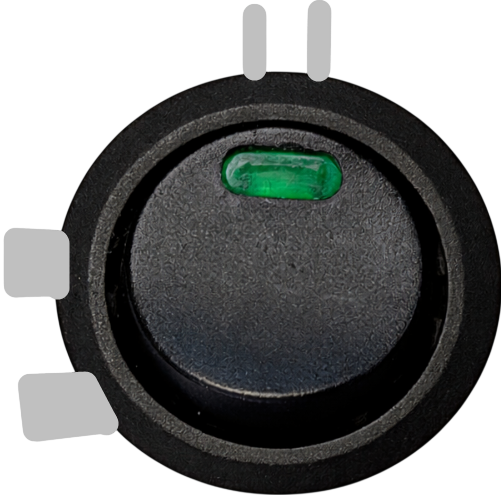
 Design with Round Rocker Switch with led in Cirkit Designer
Introduction
The Round Rocker Switch with LED is a versatile and user-friendly component designed for power control in electronic devices and appliances. Its integrated LED indicator provides a clear visual cue of the switch's status (on/off), making it ideal for applications where status visibility is crucial. This switch is commonly used in power strips, home appliances, automotive systems, and DIY electronics projects.
Explore Projects Built with Round Rocker Switch with led
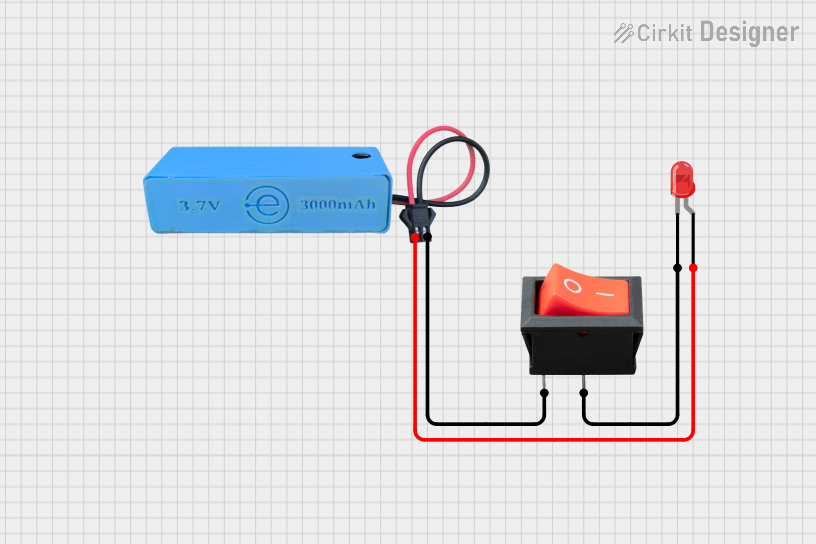 Open Project in Cirkit Designer
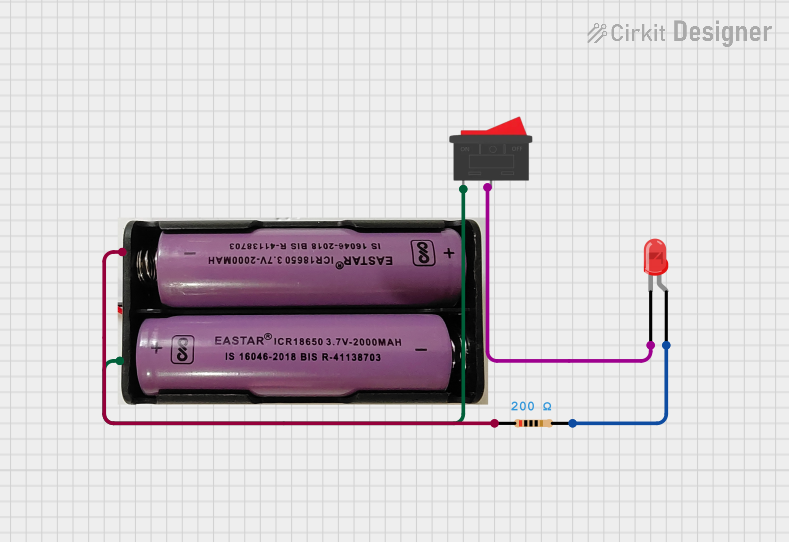 Open Project in Cirkit Designer
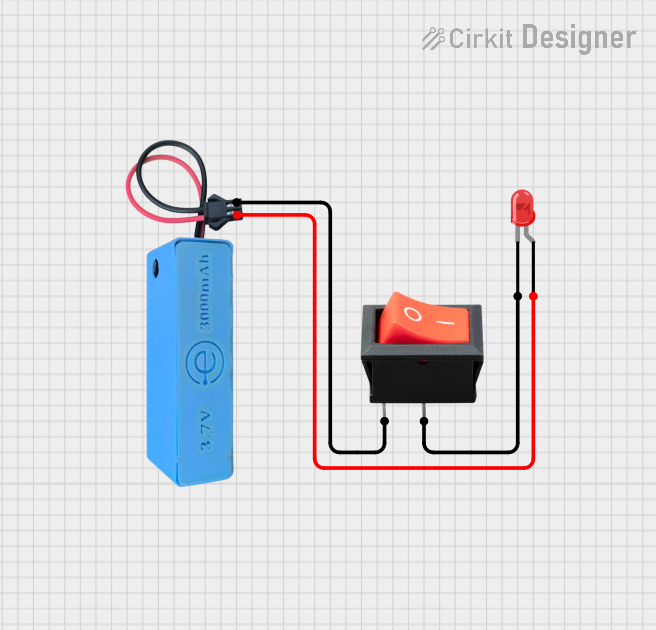 Open Project in Cirkit Designer
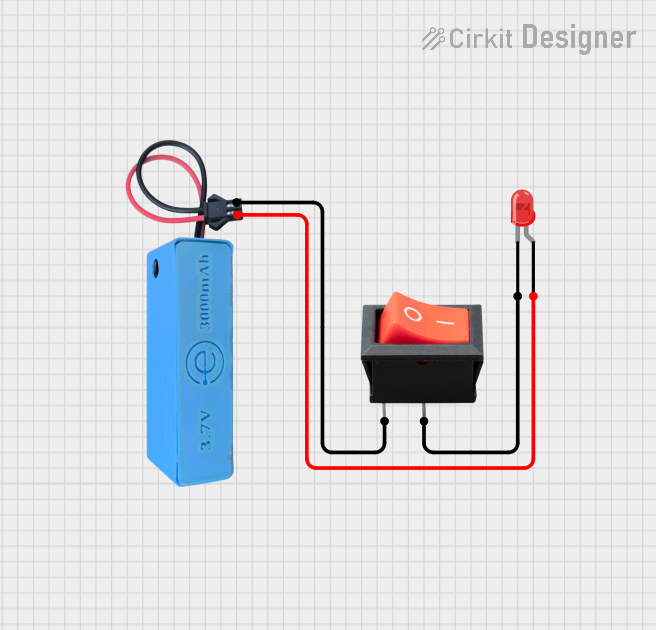 Open Project in Cirkit Designer
Explore Projects Built with Round Rocker Switch with led
Open Project in Cirkit DesignerOpen Project in Cirkit DesignerOpen Project in Cirkit DesignerOpen Project in Cirkit DesignerTechnical Specifications
- Switch Type: SPST (Single Pole Single Throw)
- Rated Voltage: 12V DC (LED operates at 12V)
- Rated Current: 6A at 125V AC / 3A at 250V AC
- LED Color: Typically red (varies by model)
- Mounting Hole Diameter: 20mm
- Contact Resistance: ≤ 50mΩ
- Insulation Resistance: ≥ 100MΩ at 500V DC
- Operating Temperature: -25°C to +85°C
- Lifespan: 10,000 cycles (mechanical)
Pin Configuration and Descriptions
The Round Rocker Switch with LED typically has three pins. Below is the pin configuration:
| Pin Number | Label | Description |
|---|---|---|
| 1 | Load/Output | Connects to the load (e.g., the device or circuit being powered). |
| 2 | Input/Line | Connects to the power source (e.g., positive terminal of the power supply). |
| 3 | LED Ground | Connects to the ground terminal to complete the LED circuit. |
Note: The pin labels may vary slightly depending on the manufacturer. Always refer to the datasheet for your specific model.
Usage Instructions
How to Use the Component in a Circuit
Mounting the Switch:
- Drill a 20mm hole in your enclosure or panel.
- Insert the switch into the hole and ensure it fits snugly.
Wiring the Switch:
- Connect the Input/Line (Pin 2) to the positive terminal of your power source.
- Connect the Load/Output (Pin 1) to the positive terminal of the device or circuit you want to control.
- Connect the LED Ground (Pin 3) to the ground terminal of your power source.
Testing the Switch:
- Power on the circuit and toggle the switch.
- The LED should light up when the switch is in the "ON" position, indicating that power is being supplied to the load.
Important Considerations and Best Practices
- Ensure the switch's voltage and current ratings match your application to avoid damage.
- Use appropriate wire gauges to handle the current safely.
- If the LED does not light up, verify the polarity of the LED Ground connection.
- Avoid exposing the switch to moisture or extreme temperatures beyond its operating range.
Example: Connecting to an Arduino UNO
The Round Rocker Switch with LED can be used to control a 12V device while interfacing with an Arduino UNO. Below is an example circuit and code:
Circuit Description
- The switch controls a 12V DC motor.
- The Arduino monitors the switch's state via a digital input pin.
Code Example
// Arduino code to monitor the state of a Round Rocker Switch with LED
// and control an LED on the Arduino board accordingly.

const int switchPin = 2;  // Pin connected to the switch's Load/Output pin
const int ledPin = 13;    // Built-in LED on the Arduino board

void setup() {
  pinMode(switchPin, INPUT_PULLUP); // Configure switch pin as input with pull-up resistor
  pinMode(ledPin, OUTPUT);          // Configure LED pin as output
}

void loop() {
  int switchState = digitalRead(switchPin); // Read the state of the switch

  if (switchState == LOW) {
    // Switch is ON (assuming active-low configuration)
    digitalWrite(ledPin, HIGH); // Turn on the Arduino's LED
  } else {
    // Switch is OFF
    digitalWrite(ledPin, LOW);  // Turn off the Arduino's LED
  }
}
Note: In this example, the switch is connected in an active-low configuration, meaning the pin reads
LOWwhen the switch is ON.
Troubleshooting and FAQs
Common Issues
LED Does Not Light Up:
- Check the polarity of the LED Ground connection.
- Verify that the power supply voltage matches the LED's rated voltage (12V DC).
Switch Does Not Control the Load:
- Ensure proper wiring of the Input/Line and Load/Output pins.
- Check for loose or disconnected wires.
Switch Feels Loose in the Mounting Hole:
- Verify that the mounting hole diameter is exactly 20mm.
- Use a mounting ring or adhesive if necessary.
FAQs
Q: Can I use this switch for DC applications other than 12V?
A: Yes, but ensure the voltage and current ratings of the switch are not exceeded. The LED may not function properly at voltages other than 12V.
Q: Can I use this switch in outdoor applications?
A: This switch is not waterproof. For outdoor use, consider a waterproof enclosure or a switch with an IP-rated design.
Q: What happens if I reverse the LED Ground connection?
A: The LED will not light up, but the switch will still function for power control.
By following this documentation, you can effectively integrate the Round Rocker Switch with LED into your projects and troubleshoot common issues with ease.