
How to Use 100kg Load Cell Sensor: Examples, Pinouts, and Specs
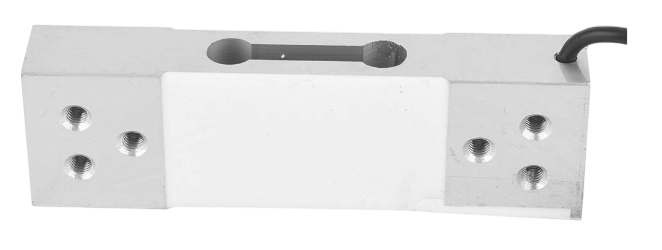
 Design with 100kg Load Cell Sensor in Cirkit Designer
Introduction
The 100kg Load Cell Sensor is a device designed to measure weight or force up to 100 kilograms. It operates by converting mechanical force into an electrical signal, enabling precise weight measurement. This sensor is commonly used in applications such as digital weighing scales, industrial automation, robotics, and force measurement systems. Its high accuracy and reliability make it ideal for both commercial and DIY projects.
Explore Projects Built with 100kg Load Cell Sensor
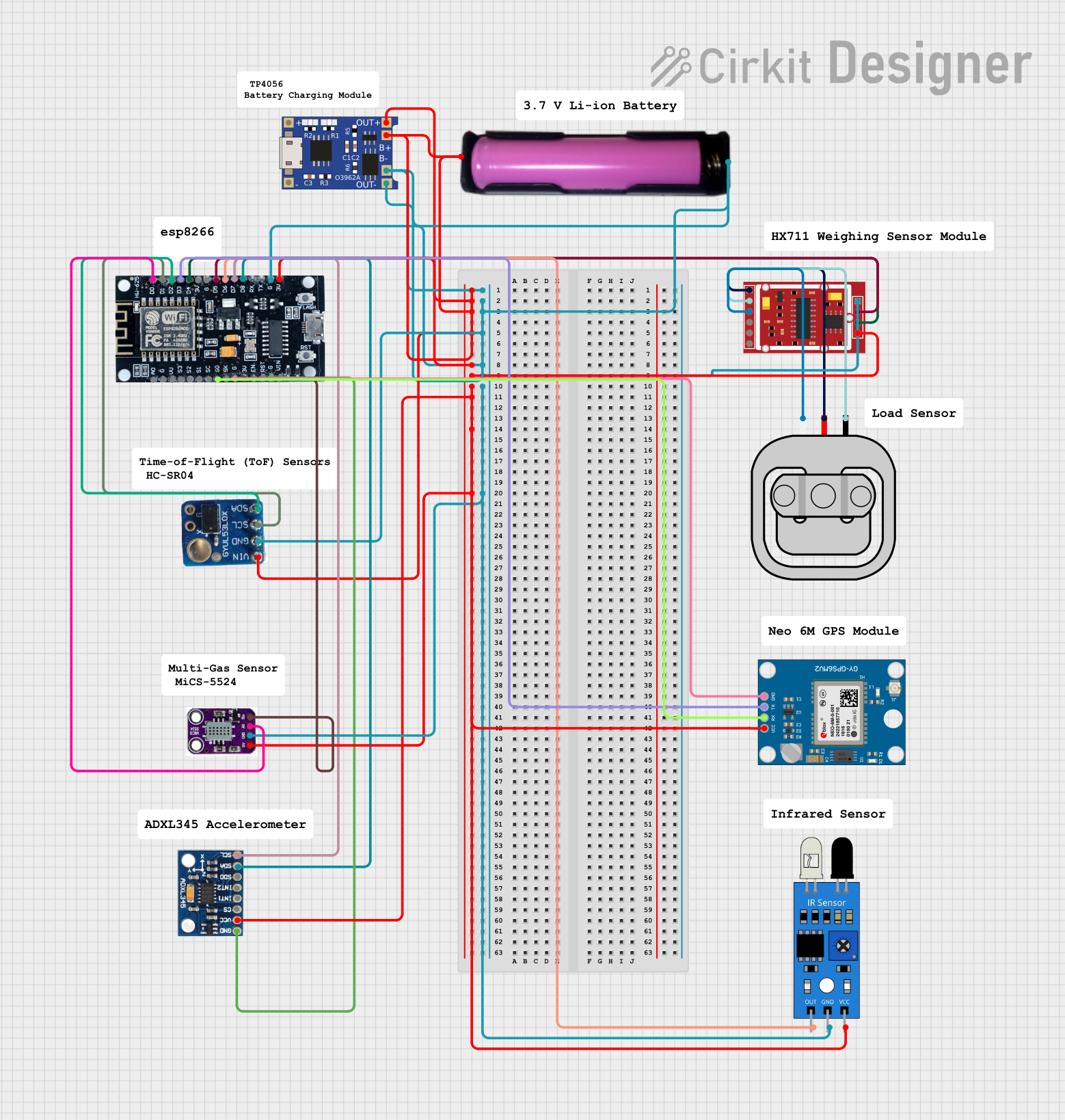 Open Project in Cirkit Designer
 Open Project in Cirkit Designer
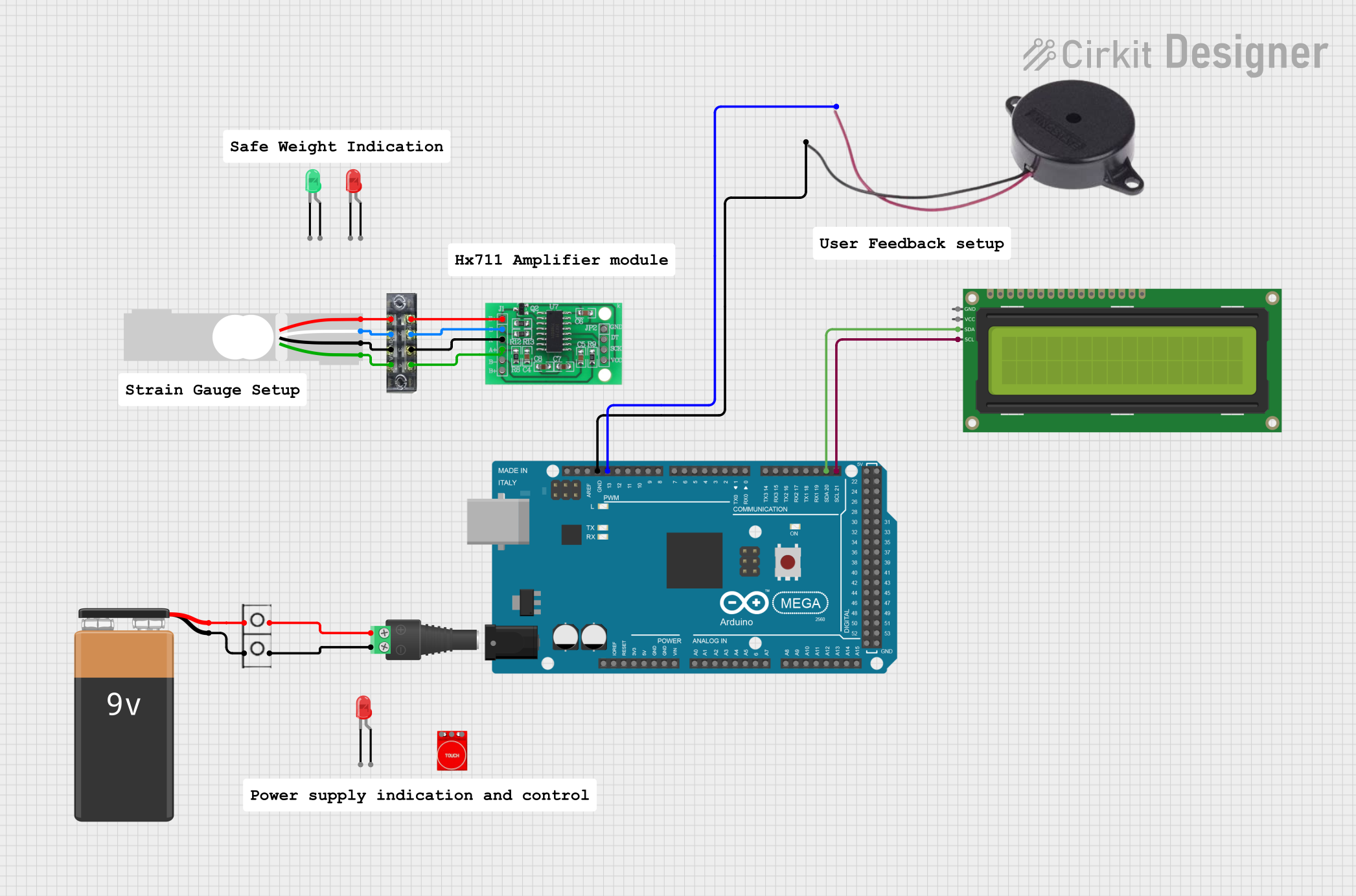 Open Project in Cirkit Designer
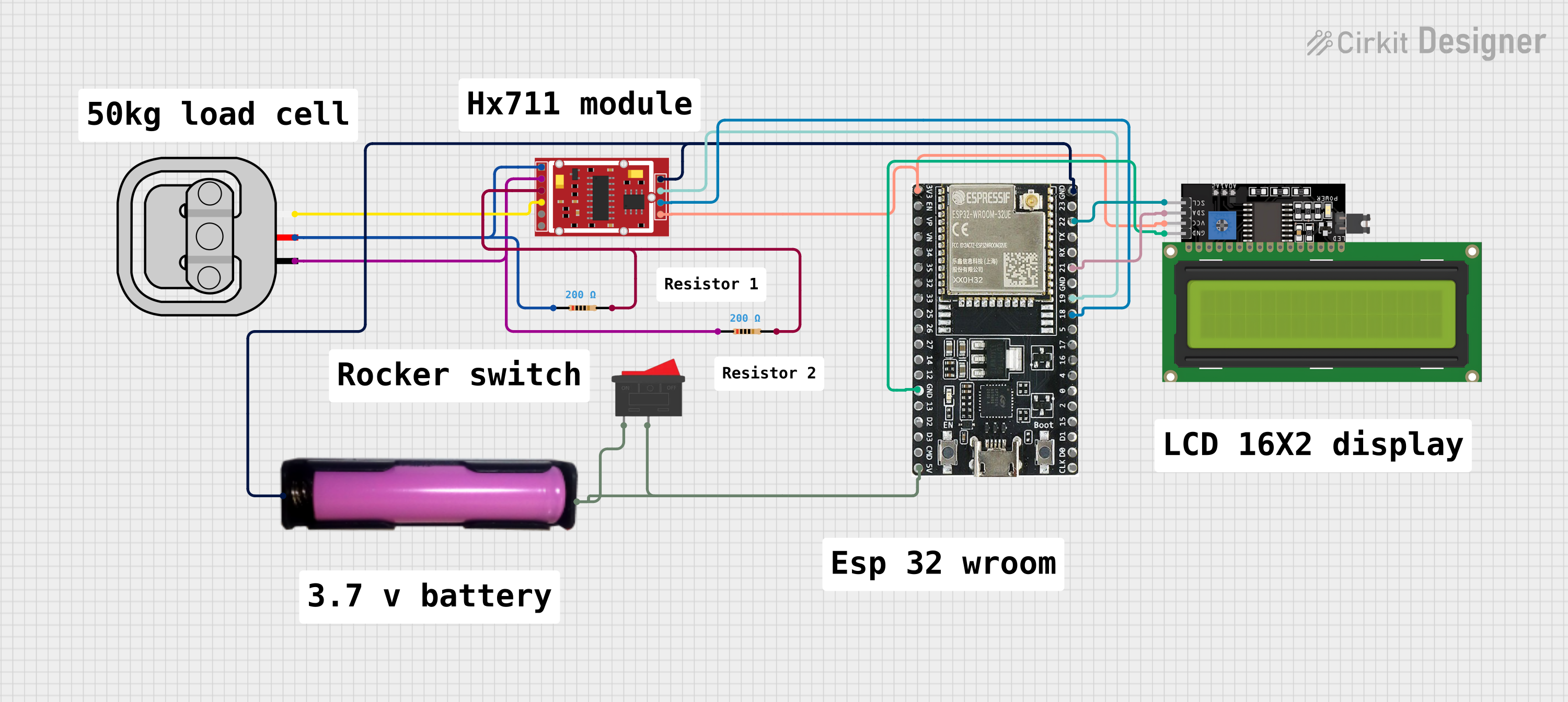 Open Project in Cirkit Designer
Explore Projects Built with 100kg Load Cell Sensor
Open Project in Cirkit DesignerOpen Project in Cirkit DesignerOpen Project in Cirkit DesignerOpen Project in Cirkit DesignerTechnical Specifications
- Maximum Load Capacity: 100 kg
- Output Signal: Analog (mV/V)
- Excitation Voltage: 5V to 12V DC (recommended: 5V)
- Output Sensitivity: Typically 1.0 ± 0.1 mV/V
- Accuracy: ±0.02% of full scale
- Material: Aluminum alloy
- Operating Temperature: -10°C to +40°C
- Dimensions: Varies by model, typically 80mm x 12.7mm x 12.7mm
- Wiring: 4-wire configuration (Red, Black, White, Green)
Pin Configuration and Descriptions
The 100kg Load Cell Sensor uses a 4-wire configuration for its operation. Below is the pinout description:
| Wire Color | Function | Description |
|---|---|---|
| Red | Excitation (+) | Positive power supply (VCC) |
| Black | Excitation (-) | Ground (GND) |
| White | Signal (+) | Positive output signal |
| Green | Signal (-) | Negative output signal |
Usage Instructions
How to Use the Component in a Circuit
Wiring the Load Cell:
- Connect the Red wire to the positive terminal of the power supply (VCC).
- Connect the Black wire to the ground (GND).
- Connect the White wire to the positive input of an amplifier or ADC (e.g., HX711 module).
- Connect the Green wire to the negative input of the amplifier or ADC.
Amplification and Signal Processing:
- The output signal of the load cell is in millivolts (mV) and requires amplification.
- Use an HX711 load cell amplifier module to amplify the signal and convert it to a digital format for microcontroller interfacing.
Microcontroller Integration:
- Connect the HX711 module to a microcontroller (e.g., Arduino UNO) for data processing.
- Use the appropriate library (e.g., HX711 library for Arduino) to read and process the weight data.
Arduino UNO Example Code
Below is an example of how to interface the 100kg Load Cell Sensor with an Arduino UNO using the HX711 module:
#include "HX711.h"

// Define HX711 pins
#define DT 3  // Data pin connected to Arduino pin 3
#define SCK 2 // Clock pin connected to Arduino pin 2

HX711 scale;

void setup() {
  Serial.begin(9600); // Initialize serial communication
  scale.begin(DT, SCK); // Initialize HX711 with defined pins
  scale.set_scale();    // Set the scale factor (calibration required)
  scale.tare();         // Reset the scale to 0
  Serial.println("Load Cell Initialized");
}

void loop() {
  // Read weight from the load cell
  float weight = scale.get_units(10); // Average of 10 readings
  Serial.print("Weight: ");
  Serial.print(weight);
  Serial.println(" kg");
  delay(500); // Delay for stability
}
Important Considerations and Best Practices
- Calibration: Always calibrate the load cell before use to ensure accurate measurements. Use known weights for calibration.
- Mounting: Securely mount the load cell to avoid mechanical vibrations or misalignment, which can affect accuracy.
- Temperature Effects: Avoid exposing the load cell to extreme temperatures, as this may impact its performance.
- Overloading: Do not exceed the maximum load capacity of 100 kg to prevent permanent damage to the sensor.
Troubleshooting and FAQs
Common Issues and Solutions
No Output Signal:
- Check all wiring connections for proper contact.
- Ensure the power supply voltage is within the recommended range (5V to 12V).
Inaccurate Readings:
- Verify that the load cell is properly calibrated.
- Ensure the load cell is mounted securely and not subject to external vibrations.
Fluctuating Measurements:
- Use a stable power supply to minimize noise.
- Add a delay in the code to average multiple readings for stability.
HX711 Not Responding:
- Confirm that the HX711 module is correctly connected to the Arduino.
- Check the library installation and ensure the correct pins are defined in the code.
FAQs
Q1: Can I use the load cell without an amplifier?
A1: No, the output signal of the load cell is in millivolts and requires amplification (e.g., using an HX711 module) for accurate measurement.
Q2: How do I calibrate the load cell?
A2: Use a known weight and adjust the scale factor in the code until the output matches the actual weight.
Q3: Can this load cell measure forces other than weight?
A3: Yes, the load cell can measure any mechanical force applied within its rated capacity, provided it is properly mounted and calibrated.
Q4: What happens if I overload the load cell?
A4: Overloading the load cell beyond 100 kg can cause permanent damage and affect its accuracy. Always stay within the specified load range.